Other
Other features of the glasses.
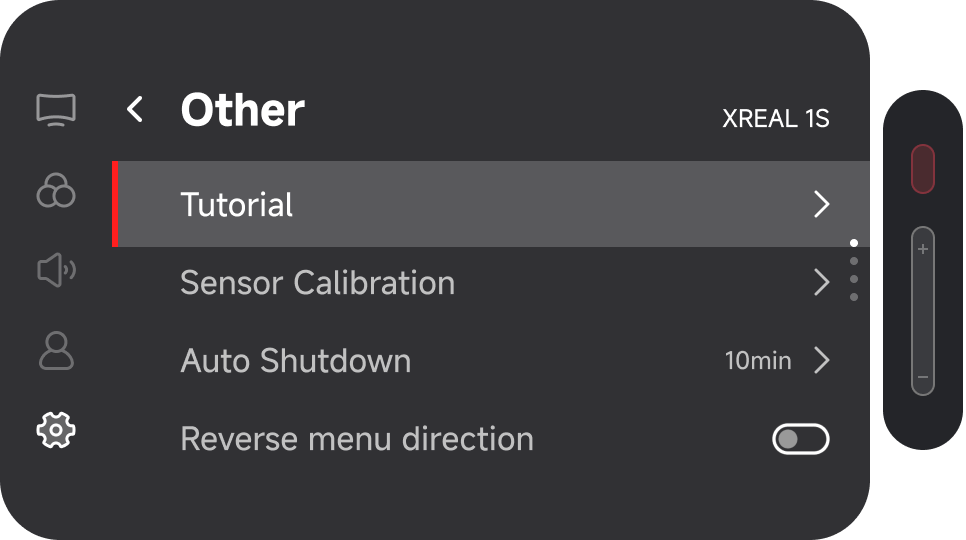
Button Tutorial
If you would like to review the button function tutorial, follow this path:
Double press the 「Quick Button」 → 「Others」 → 「Tutorial」
👉 You can also view the Button Guide here
Sensor Calibration
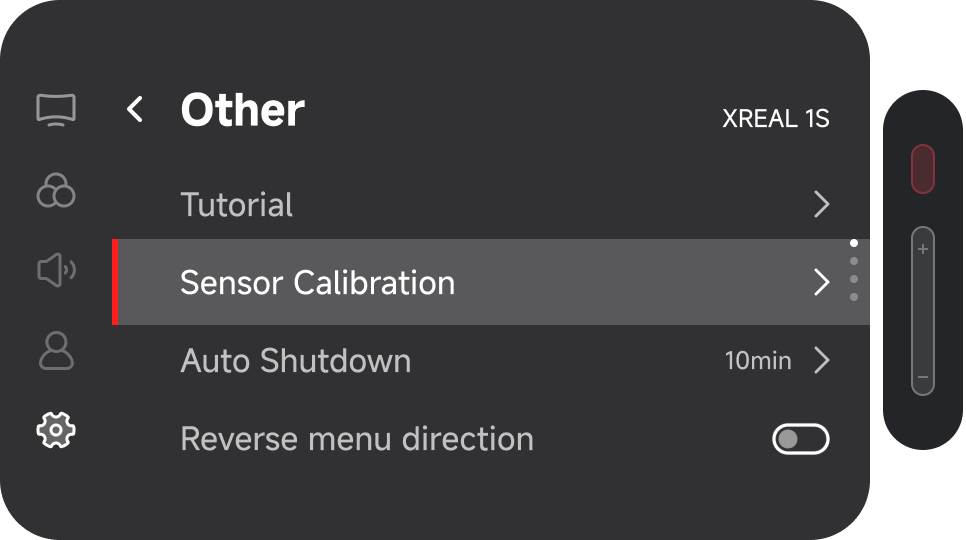
If you notice screen drifting under 「Anchor」 mode, try performing 「Sensor Calibration」:
- Double click the 「X」button → 「Others」 → 「Sensor Calibration」
- After entering calibration mode, place the glasses flat on a table and wait briefly.
When you hear the confirmation tone, the calibration is complete.
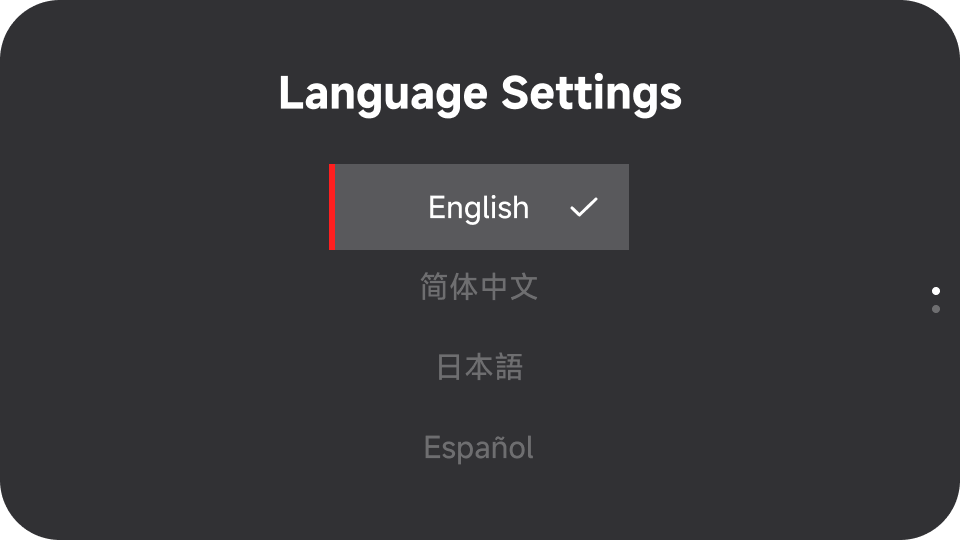
Language Settings
To change the display language of the menu system:
- Double click the 「X」button → 「Others」 → 「Language Settings」
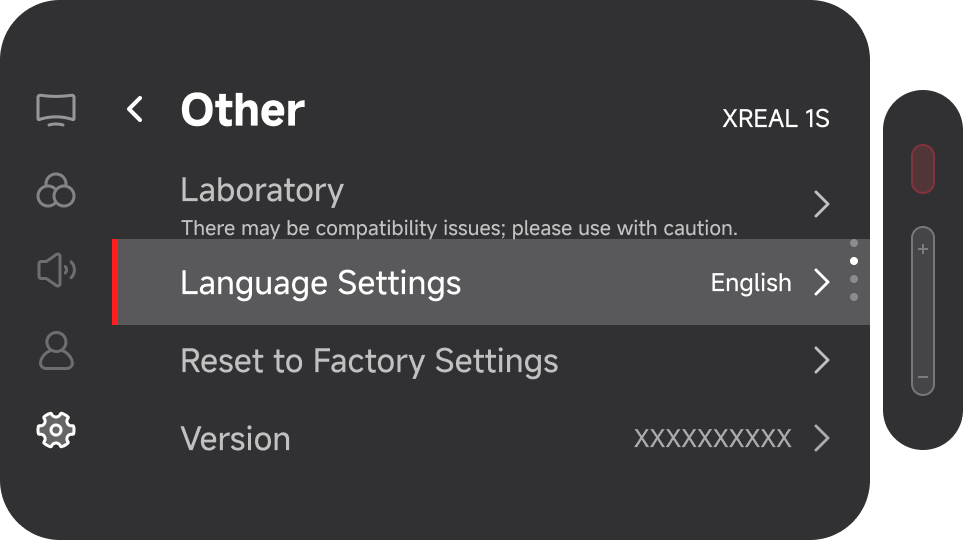
- Select the desired language:
Factory Reset
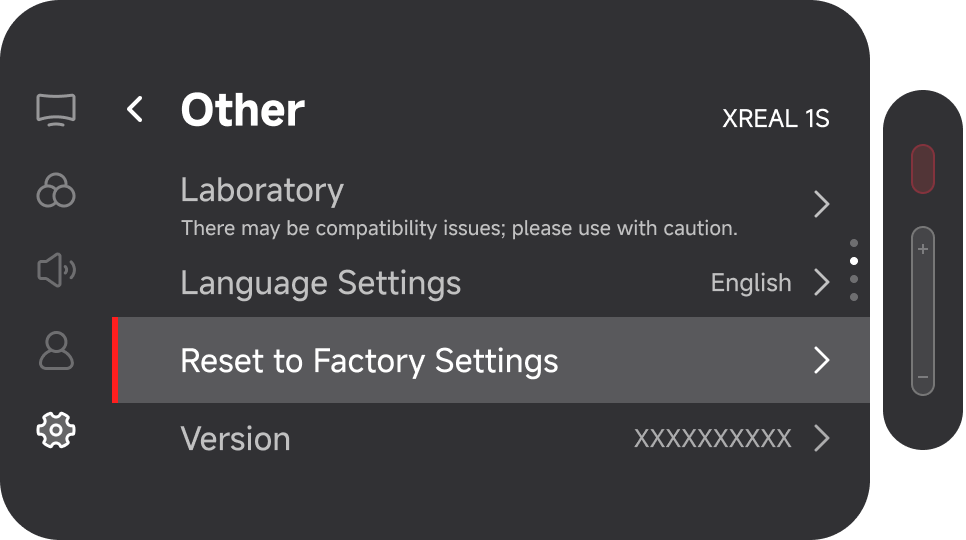
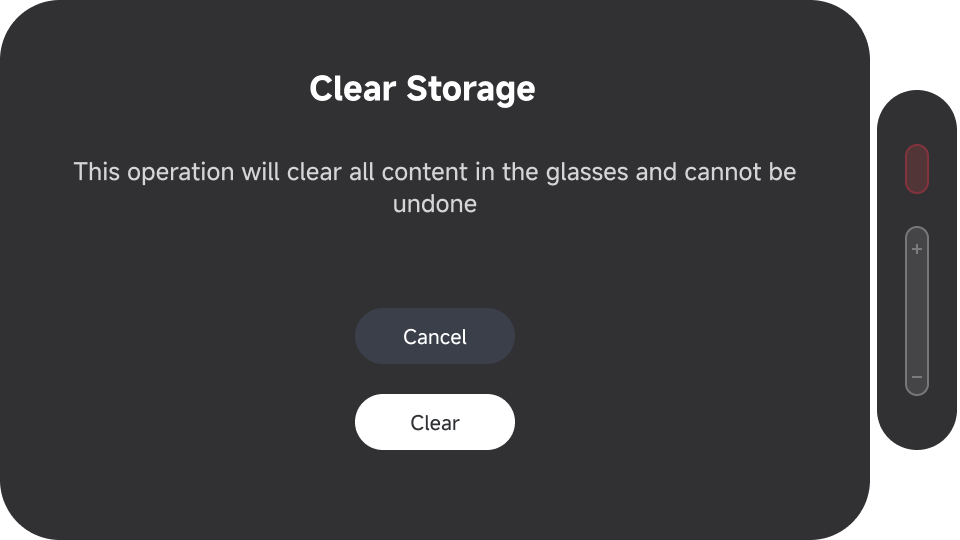
To restore all settings to factory defaults:
Double click the 「X」button → 「Others」 → 「Factory Reset」
This action will reset all settings to their default values and cannot be undone.
Regulatory Information
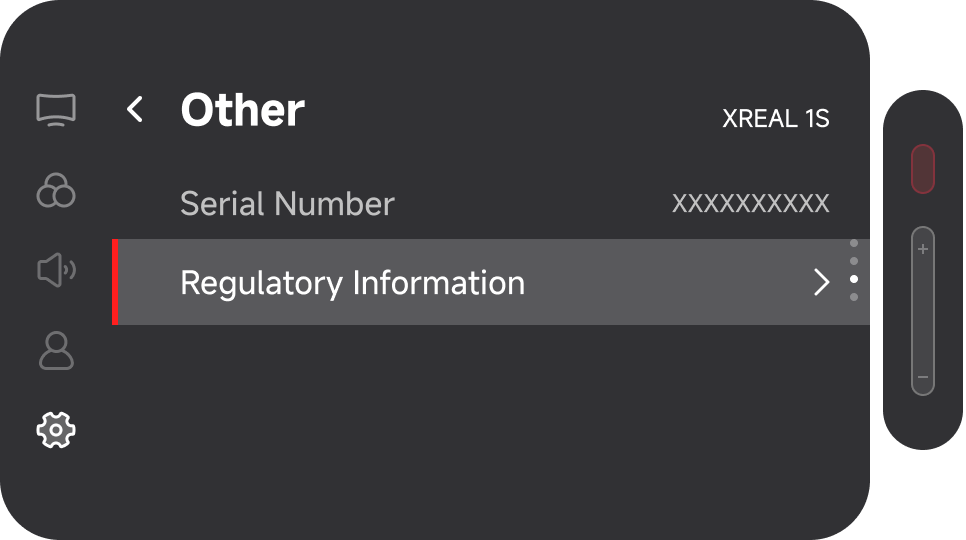
To view product regulatory information:
Double click the 「X」button → 「Others」 → 「Regulatory Information」
Version
To check the glasses firmware version:
Double click the 「X」button → 「Others」 → 「Version」
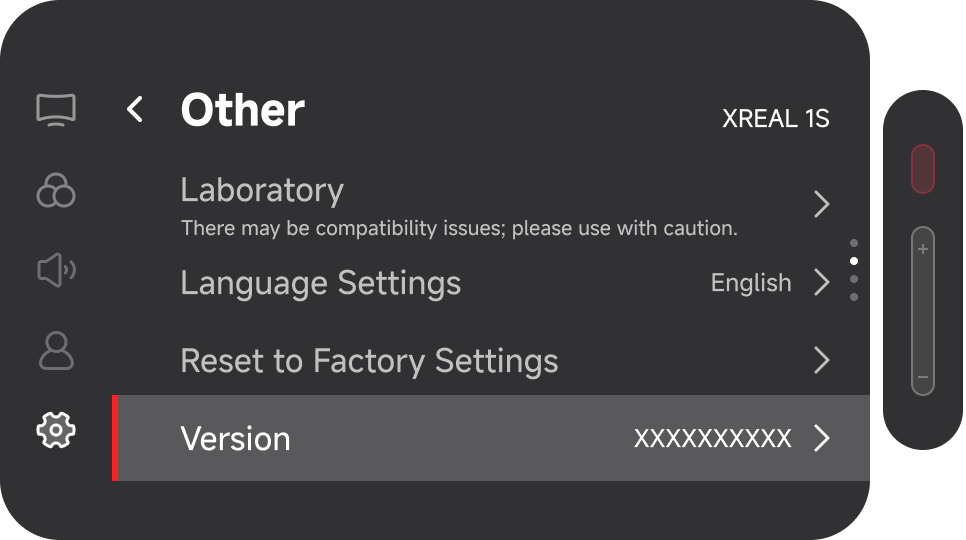
After selecting 「Version」, you can access the firmware upgrade guide.
Firmware Upgrade Steps:
- Connect the glasses to a Windows or macOS computer
- Download and open the Chrome browser
- Visit the following website to perform the upgrade:
https://www.xreal.com/ota/
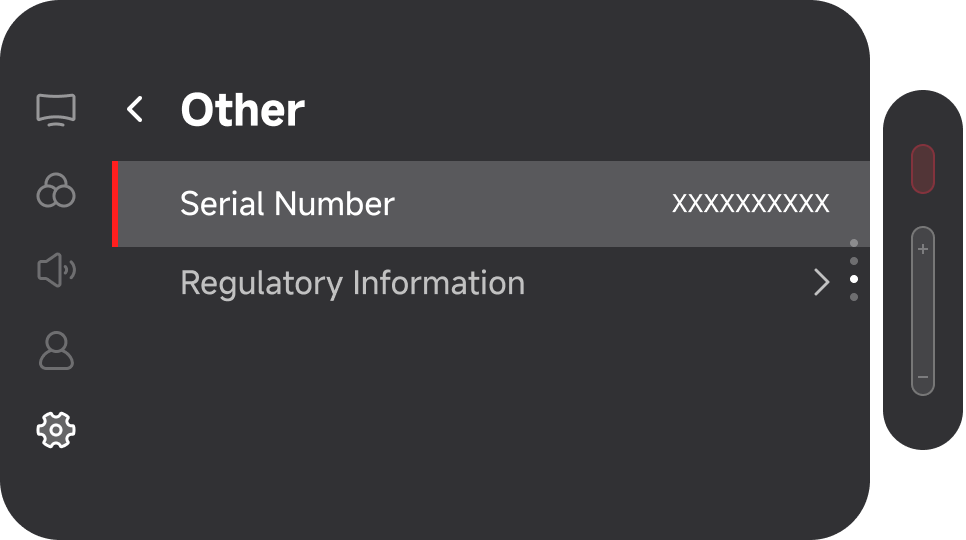
Serial Number
To check the product serial number:
Double click the 「X」button → 「Others」 → 「Serial Number」