XREAL One Series Glasses User Guide
This user guide applies to the XREAL One Series glasses and will walk you through the device’s features, how to use it, and other helpful information to get you started.
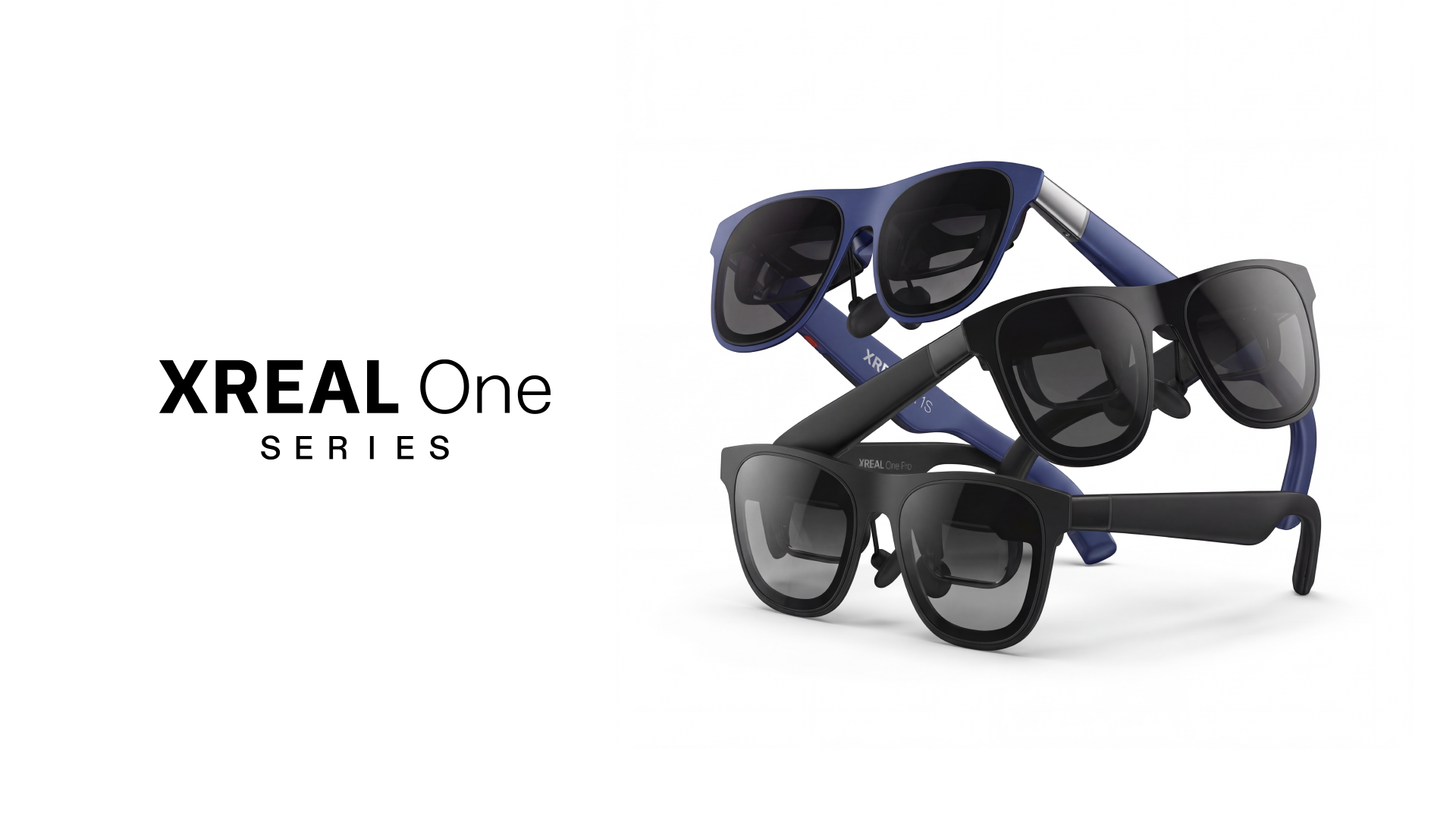
Welcome to the XREAL One AR Glasses! Put them on, and you can effortlessly enjoy a private large-screen space, whether working, multitasking, immersing yourself in movies, or fully enjoying games anytime, anywhere. Flexible display adjustments and electrochromic lenses give you complete control over your view and comfort, while immersive sound delivers a personalized cinematic experience.
Core Capabilities
The product can connect to any device that supports DP video output, instantly delivering a large virtual screen experience in your personal space.
DisplayPort (DP) is a digital interface standard used for transmitting video and audio data. Devices equipped with DP video output capabilities can transmit audio-visual signals—compliant with this protocol—via their own ports (most commonly USB-C), thereby enabling external display devices to render images and sound. If you are unsure whether your device supports DP video output, it is recommended that you first consult the device manufacturer's customer support to confirm.
- Compatible with mainstream DP output devices: iPhone 15/16/17 series,parts of Android phones, USB-C interface computers
- Creates a private immersive large-screen display
- Enjoy a portable big-screen experience anytime, anywhere
Connection
Simply connect your device to the glasses using a supported interface to start enjoying your spatial large-screen experience.
Once connected:
- The video signal is automatically recognized
- A virtual large screen appears instantly
- No complicated setup required
Adjustments in the OSD
Using the built-in OSD (On-Screen Display) menu, you can access multiple display control options.
Available Adjustments:
-
Screen Size Adjustment
Freely enlarge or reduce the screen size based on your needs. -
Screen Distance Adjustment
Customize the virtual screen distance for a more comfortable viewing experience. -
UltraWide Mode
Expand your field of view for enhanced immersion. -
3D Mode
Deliver a more immersive viewing experience for movies, photos, short videos, and games.
Use Scenarios
The product is suitable for a wide range of daily and professional use cases:
- 🖥 Large-screen productivity
- 🎮 Handheld gaming
- ✈️ Watching movies while traveling
- 📈 Monitoring stocks at home
Enjoy your personal spatial big-screen experience wherever you are.