ROG XREAL R1 User Manual
This user manual applies to ROG XREAL R1 and will introduce the features, usage, and related information of the glasses and controller to help you quickly understand and start using your device.
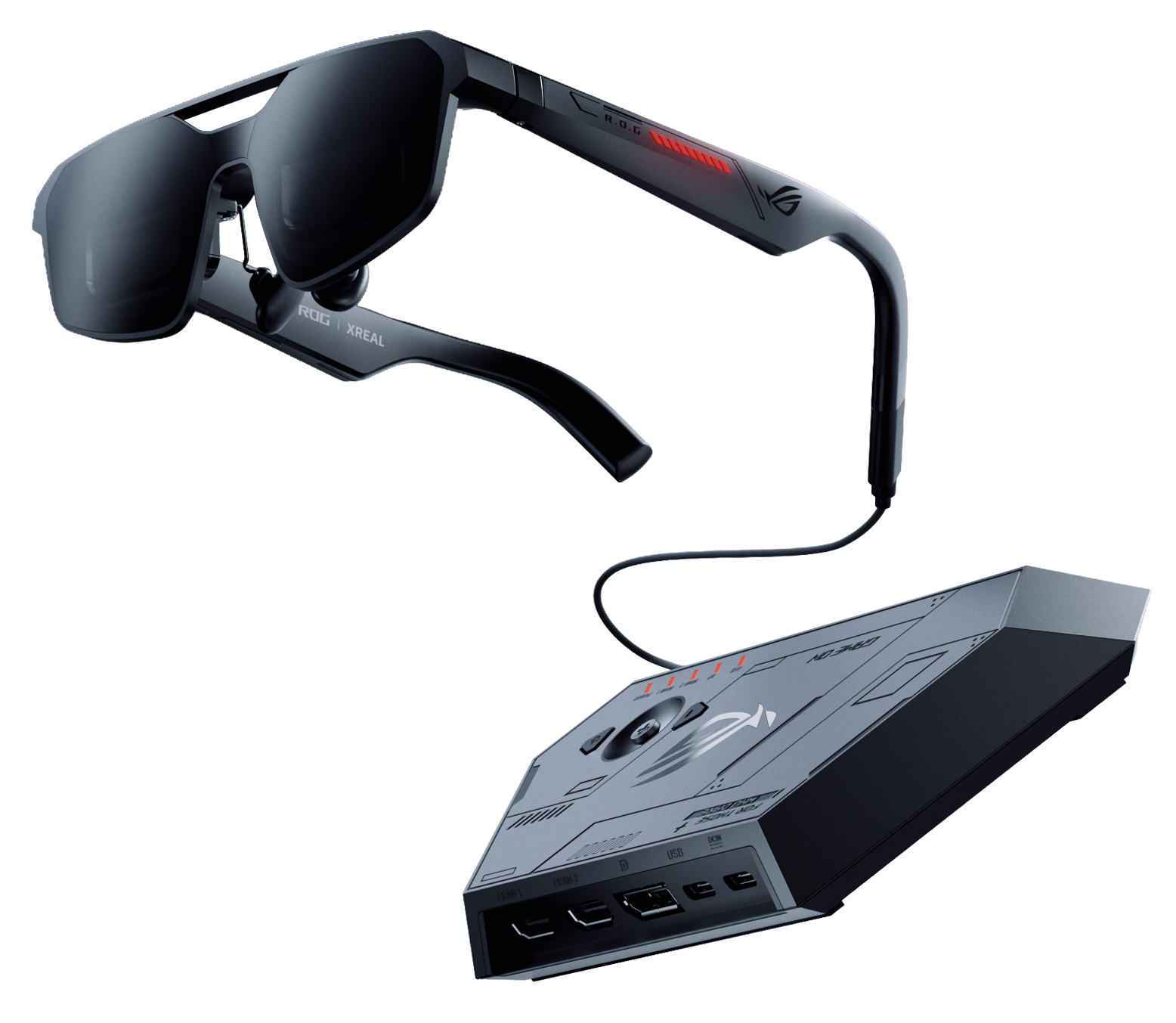
Welcome to ROG XREAL R1! ROG XREAL R1 extends the gaming monitor experience into your field of view. With Micro-OLED display, up to 240Hz refresh rate, 0.01ms response time, a 57° field of view, native 3DoF spatial display, electrochromic lenses, and sound professionally tuned by Bose, it delivers a more immersive and flexible large-screen gaming experience for handhelds, PCs, consoles, and mobile devices. Whether you are using a ROG Ally, a gaming PC, a smartphone, a laptop, or connecting to a gaming console via the ROG Control Dock, R1 serves as a portable personal big screen, letting you enter a stable, clear, and immersive gaming space anytime.
Core Features
| Feature | Description |
|---|---|
| Up to 240Hz refresh rate | Reduces latency and motion blur, suitable for fast-paced games like FPS, racing, and real-time strategy titles. |
| 0.01ms response time | Delivers more responsive visuals. |
| 57° field of view | Presents up to approximately a 171-inch virtual screen at about 4 meters. |
| Native 3DoF | Supports 「Anchor」 Mode and 「Follow」 Mode. |
| Electrochromic lenses | Supports three-level manual dimming and Auto Transparency in 「Anchor」 Mode. |
| Instant 3D | Supports real-time 2D-to-3D conversion. |
| Sound by Bose | Provides a more spatial and immersive sound experience. |
| ROG Control Dock | Supports HDMI 2.0, DisplayPort 1.4, HDR, GamePlus, and GameVisual. |
Compatible with Multiple Devices
- Handheld gaming devices: ROG Ally, Steam Deck, Lenovo Legion Go
- Mobile devices: iPhone 15/16 series, Android flagship phones that support DP Alt Mode
- Laptops: ROG Strix, ROG Zephyrus, MacBook Pro/Air, Windows laptops with Thunderbolt or USB-C DP Alt Mode
- Desktop PCs and gaming consoles: PS5, Xbox Series X/S, Nintendo Switch (requires ROG Control Dock)
The ROG XREAL R1 does not have a built-in battery and require a USB Type-C connection to a compatible device for power supply and display.