Help
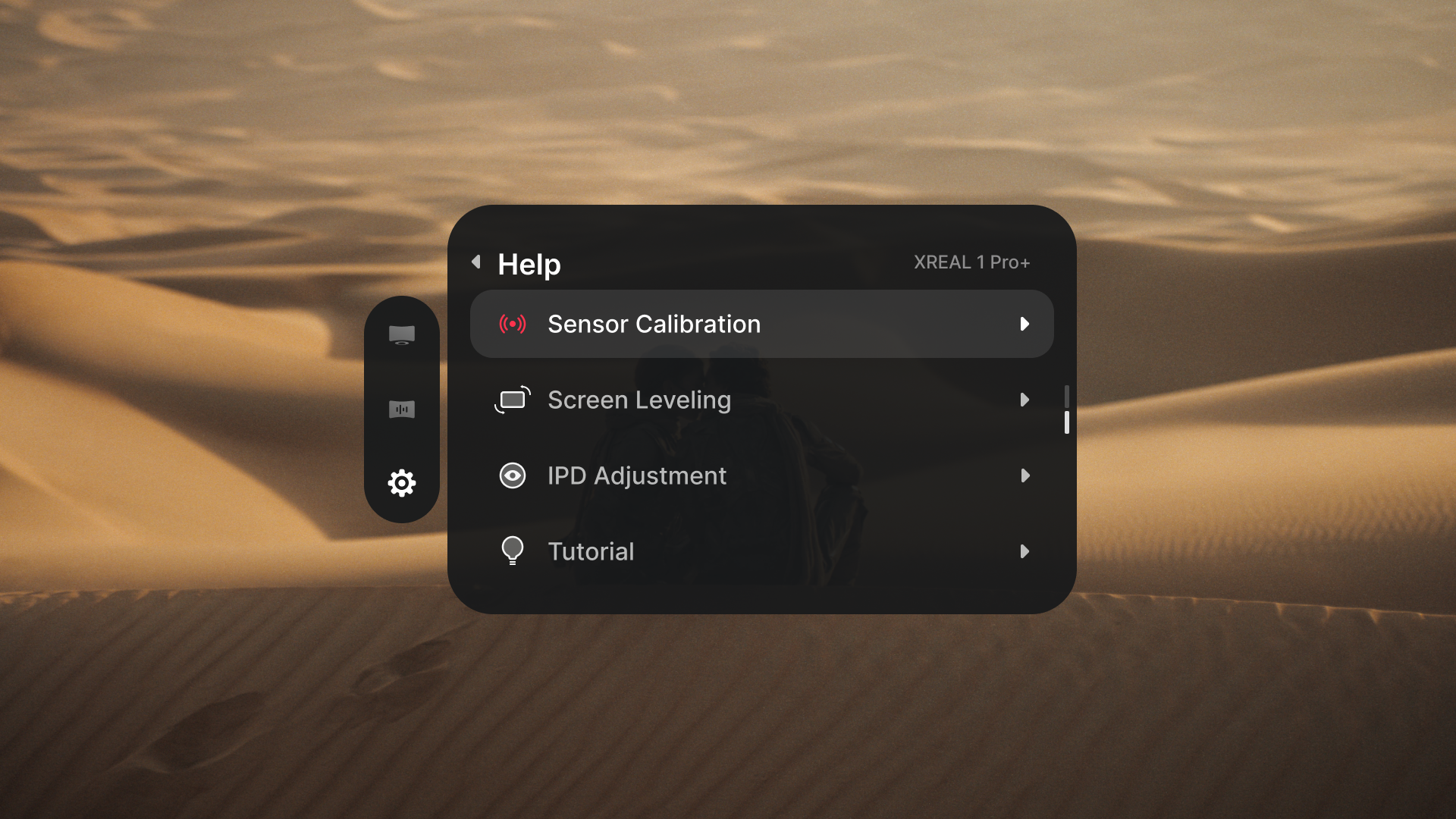
Open 「Settings」 > 「Help」 to access sensor calibration, screen leveling, IPD adjustment, and the button tutorial.
Sensor Calibration
If the screen slowly drifts in 「Anchor」 mode after recentering, try calibrating the sensors.
- Open 「Settings」 > 「Help」 > 「Sensor Calibration」.
- Place the glasses flat on a stable table.
- Follow the on-screen prompt and leave the glasses still. Calibration takes about 15 seconds.
- Wait for the completion sound before picking them up.
If calibration fails, keep the glasses flat and retry away from strong vibration or magnetic interference.
Screen Leveling
Use 「Screen Leveling」 when the screen looks tilted. This feature is available in 「Anchor」 and 「Spatial Anchor」 modes; it is unavailable in 「Follow」 mode.
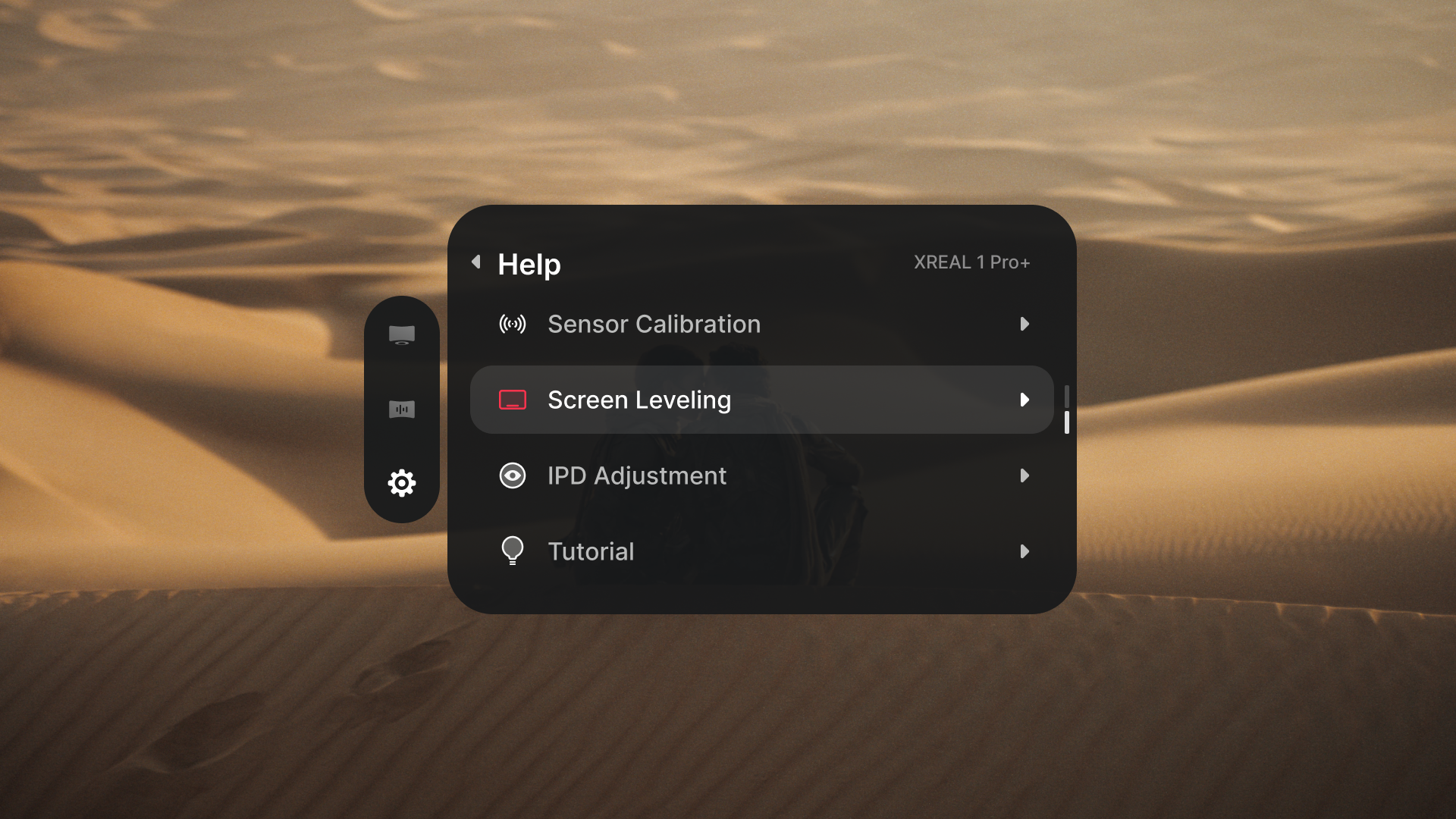
- Double-click 「X」 and open 「Settings」 > 「Help」 > 「Screen Leveling」.
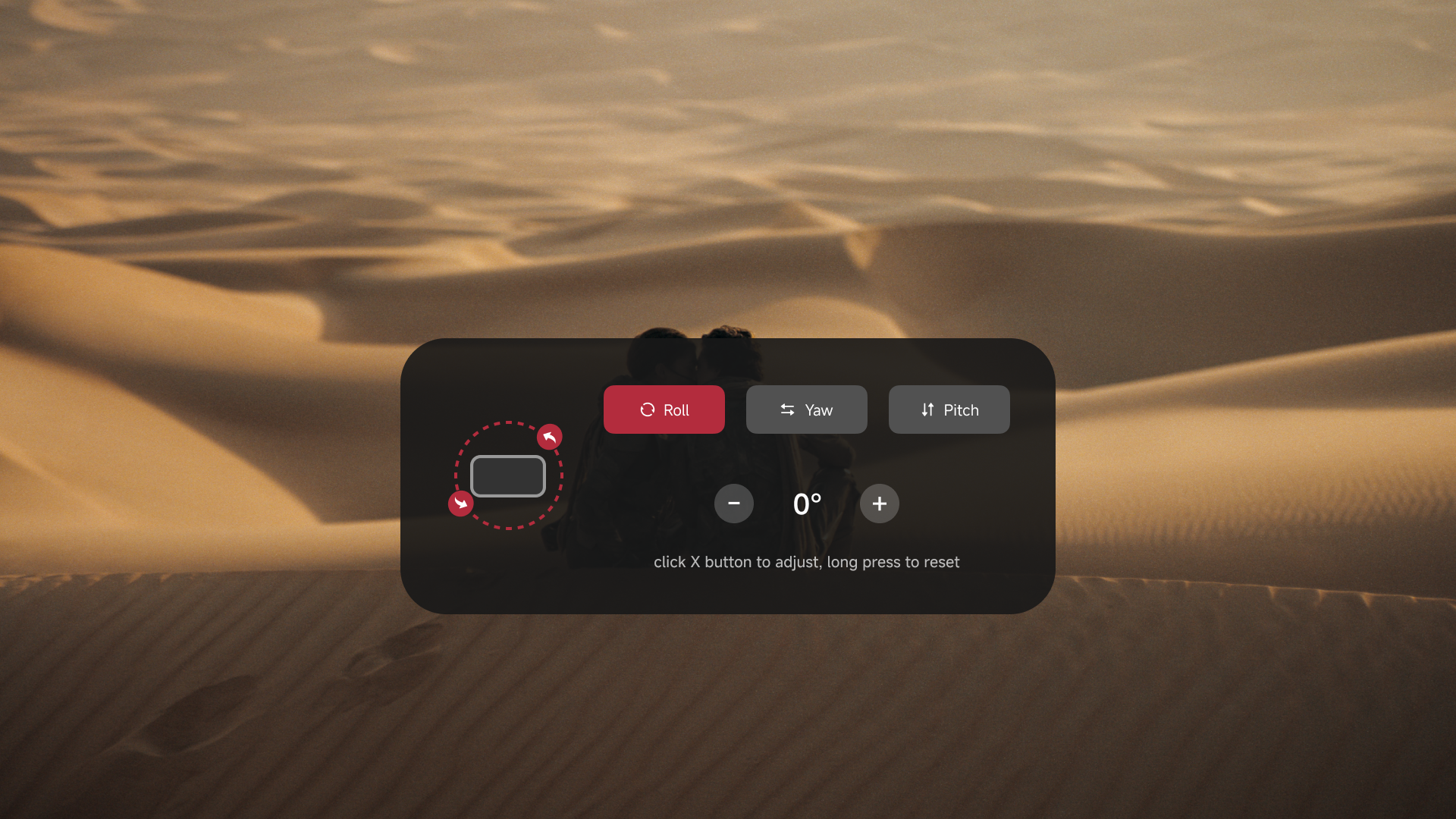
- Click 「X」 to switch between Roll (left/right tilt), Yaw (horizontal rotation), and Pitch (up/down tilt).
- Use 「+」 / 「−」 to fine-tune the selected angle. Press and hold 「X」 to reset all three angles to zero.
- Double-click 「X」 to save the current values and return.
Each click adjusts the angle by 0.5°, within a range of −5° to +5°. Current angles are saved when you exit or disconnect, and are retained after power is removed.
IPD Adjustment
If the image appears incomplete, doubled, or unclear at the edges, first adjust the nose pads and temple angles, then try 「IPD Adjustment」.
- Double-click 「X」 and open 「Settings」 > 「Help」 > 「IPD Adjustment」.
- Check the image shown on the adjustment screen.
- Use 「+」 / 「−」 to adjust until the image appears more complete and clear.
- Double-click 「X」 to save the current value and return.
IPD adjustment may reduce the maximum screen size and viewing distance. See Specifications for the IPD range supported by each frame size.
Button Tutorial
Open 「Settings」 > 「Help」 > 「Tutorial」 to review the on-screen instructions for the 「X」, 「+」 / 「−」, and 「Quick」 buttons. Follow the prompts to practice the controls. You can also refer to Learn the Controls.