Unboxing and First-Time Setup Guide
Please follow the steps below to ensure a smooth and successful unboxing process.
Step 1: Check the Package
Ensure the outer packaging is intact and shows no signs of damage or heavy compression.
Step 2: Remove the Seal and Take Out the Product
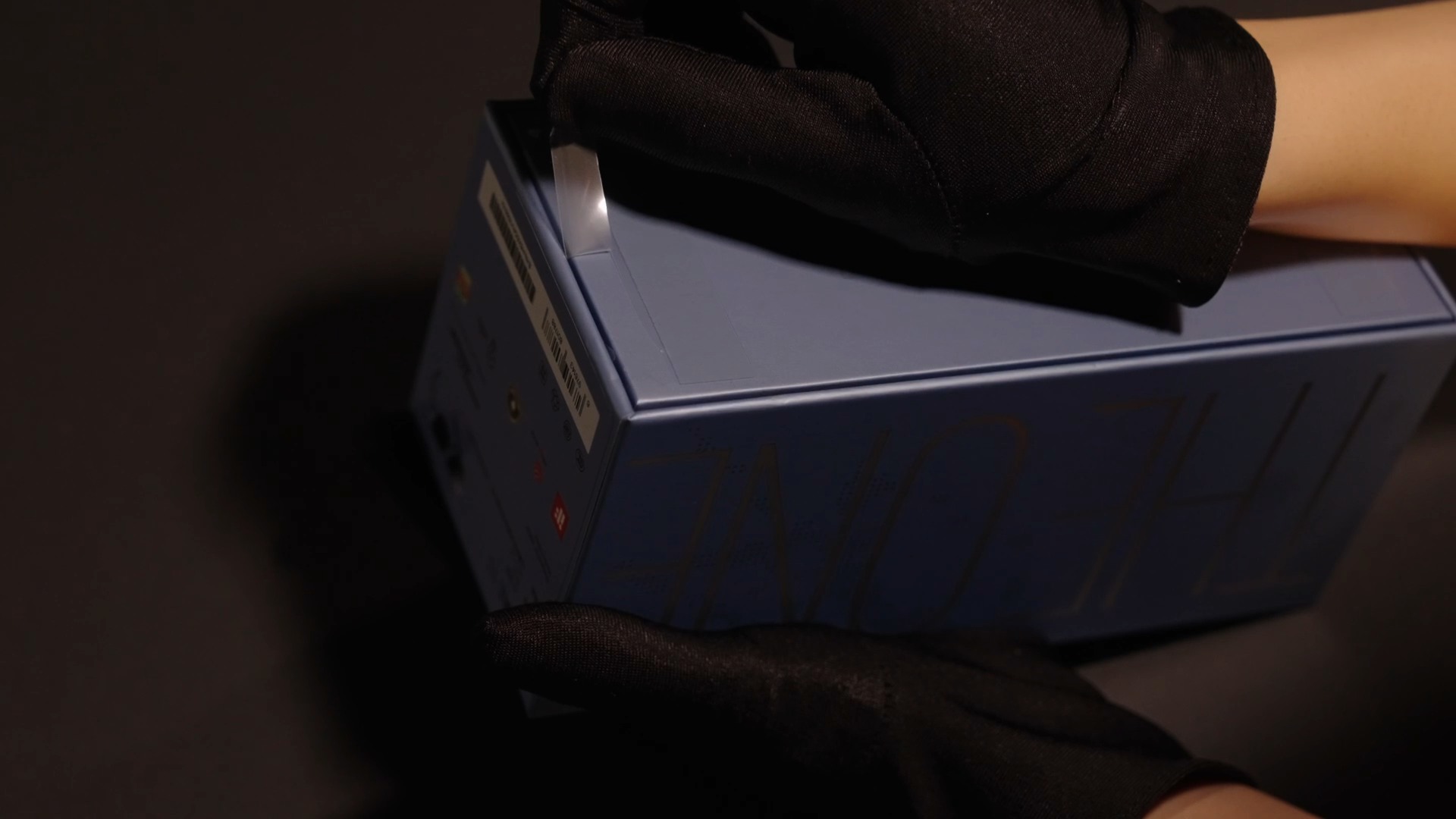
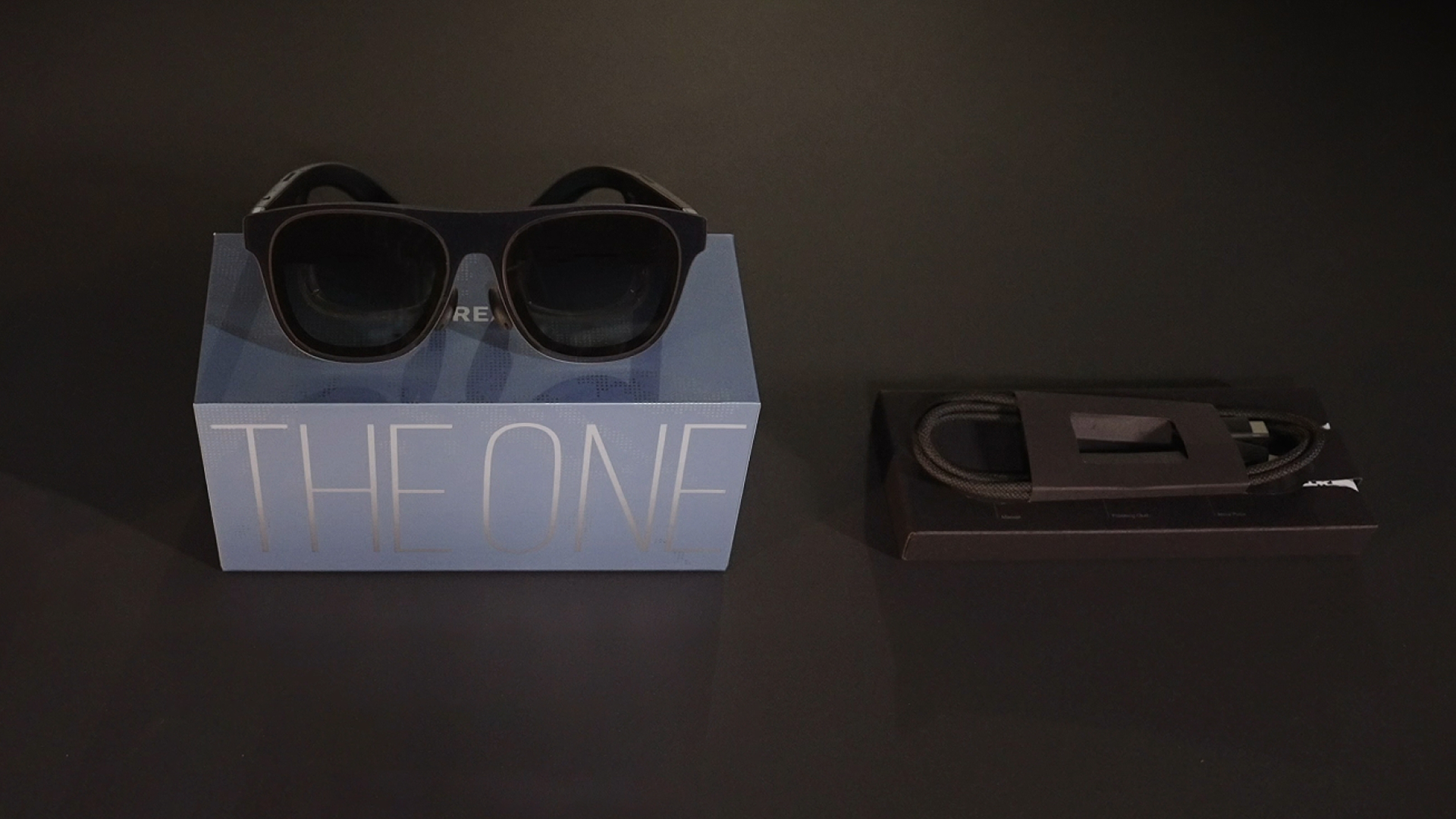
Step 3: Please confirm that all accessories are included.
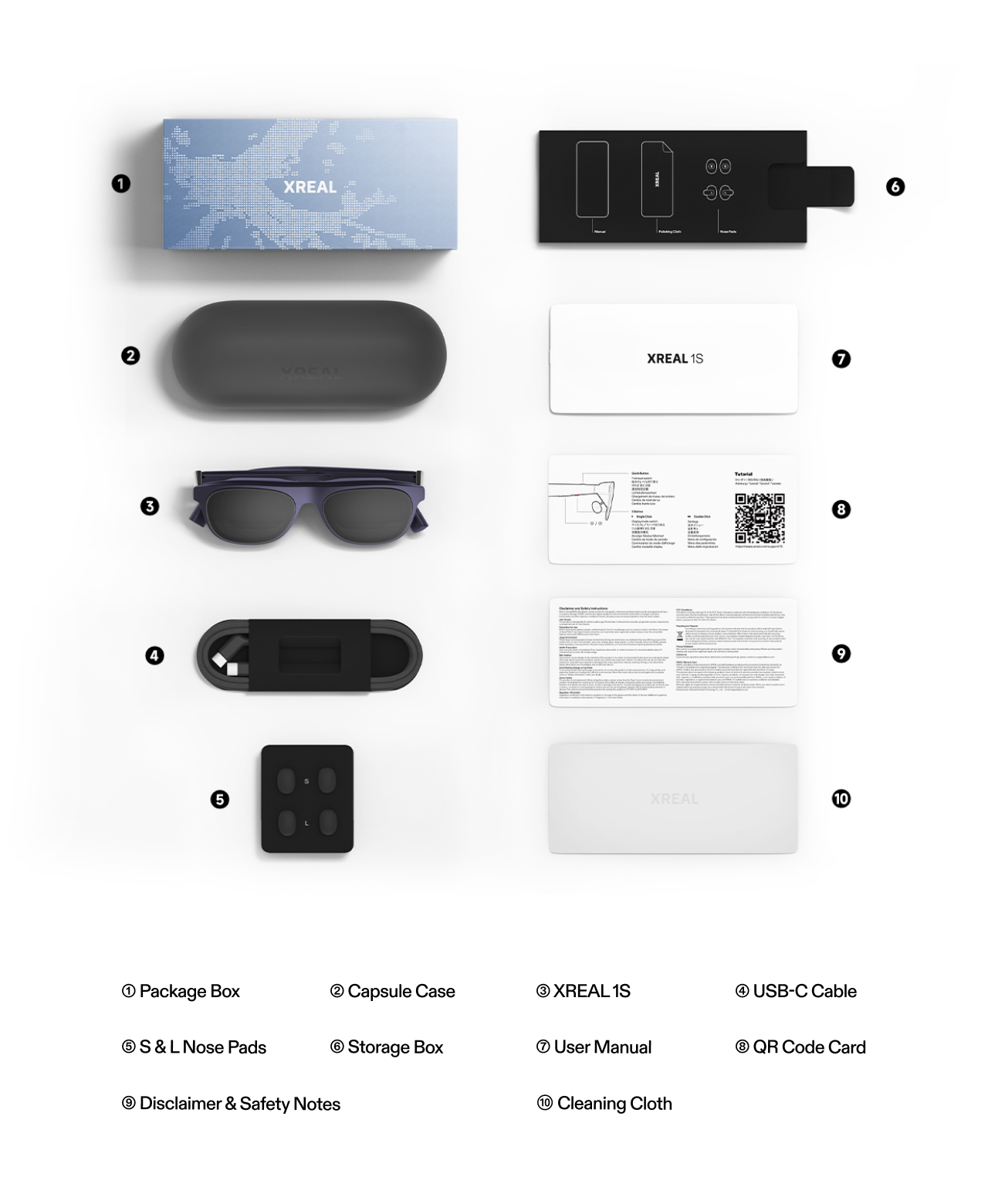 | 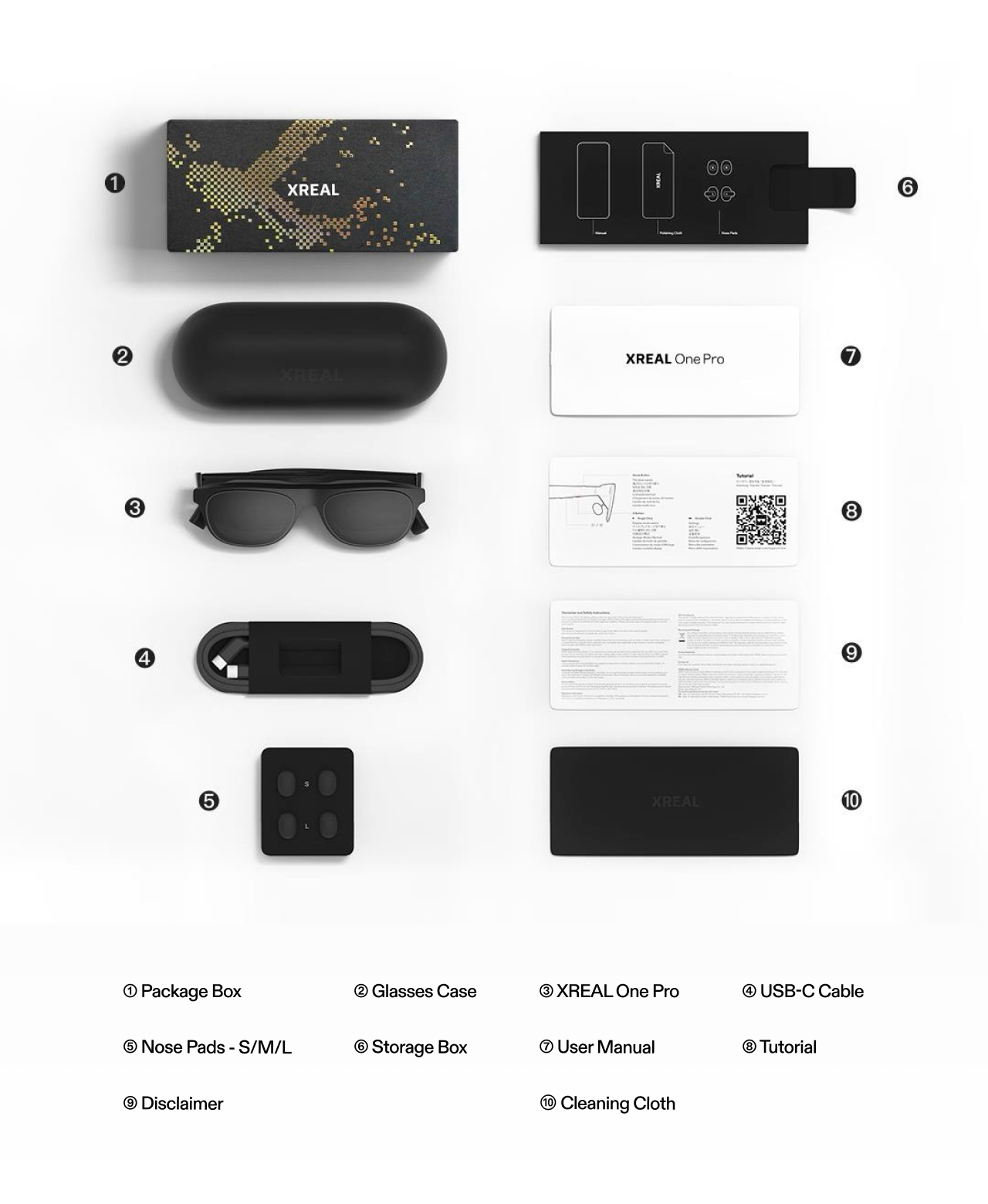 | 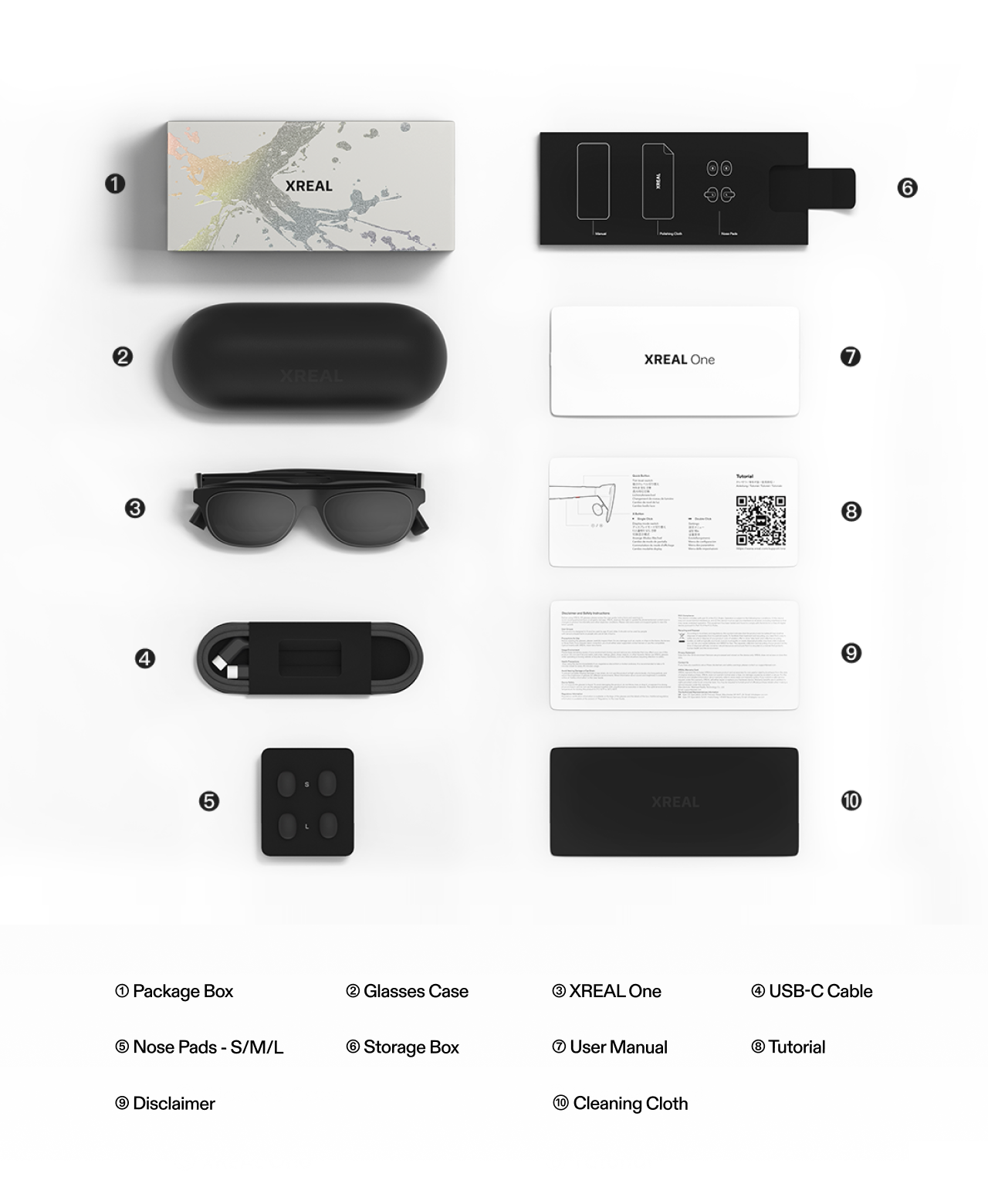 |
|---|---|---|
| XREAL 1S | XREAL One Pro | XREAL One |
Step 4: Open the Glasses Case and Connect the Device
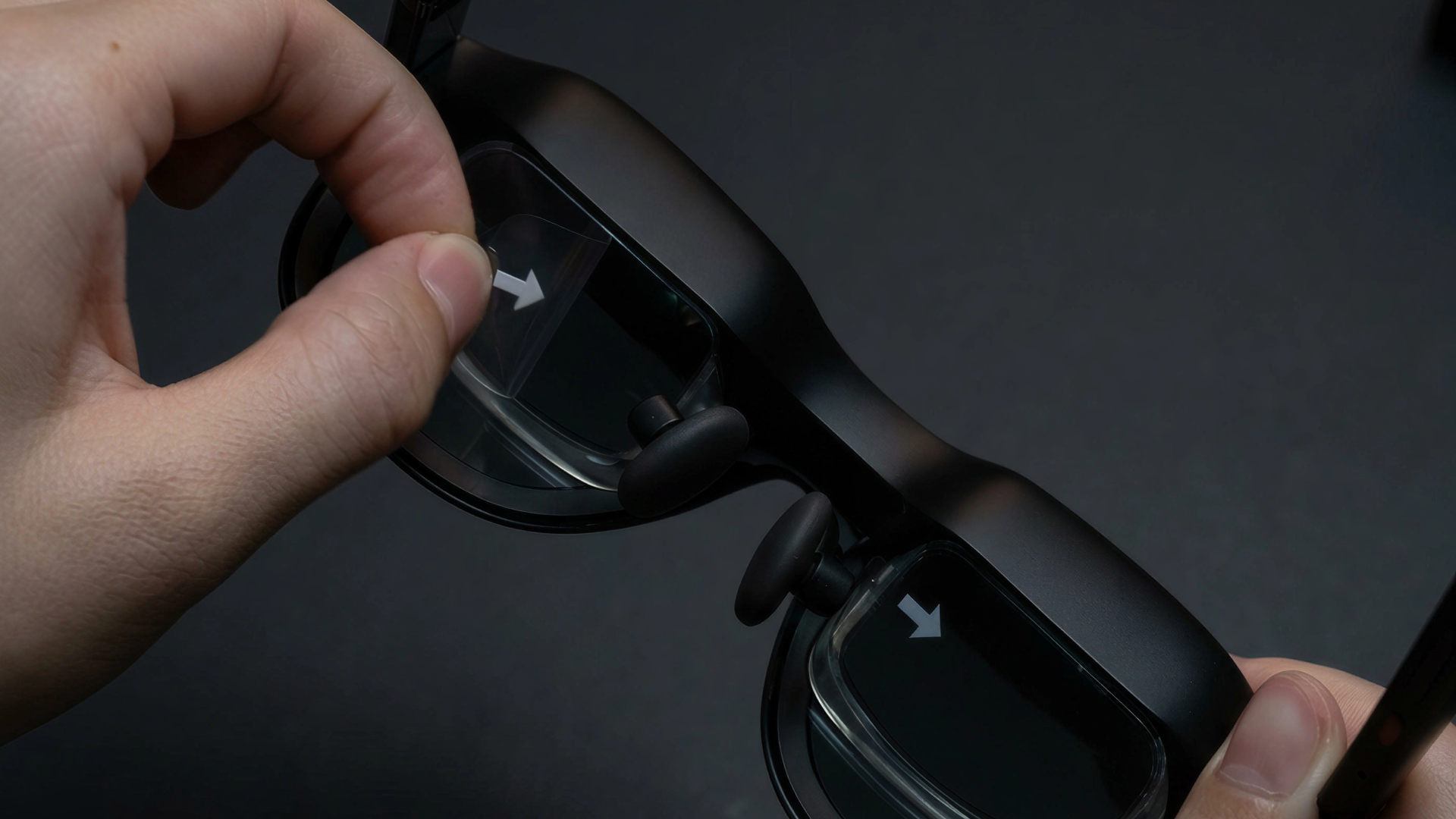
1. Remove the Optical Engine Protective Film
Follow the arrow indicator and peel off the protective film from the optical module.
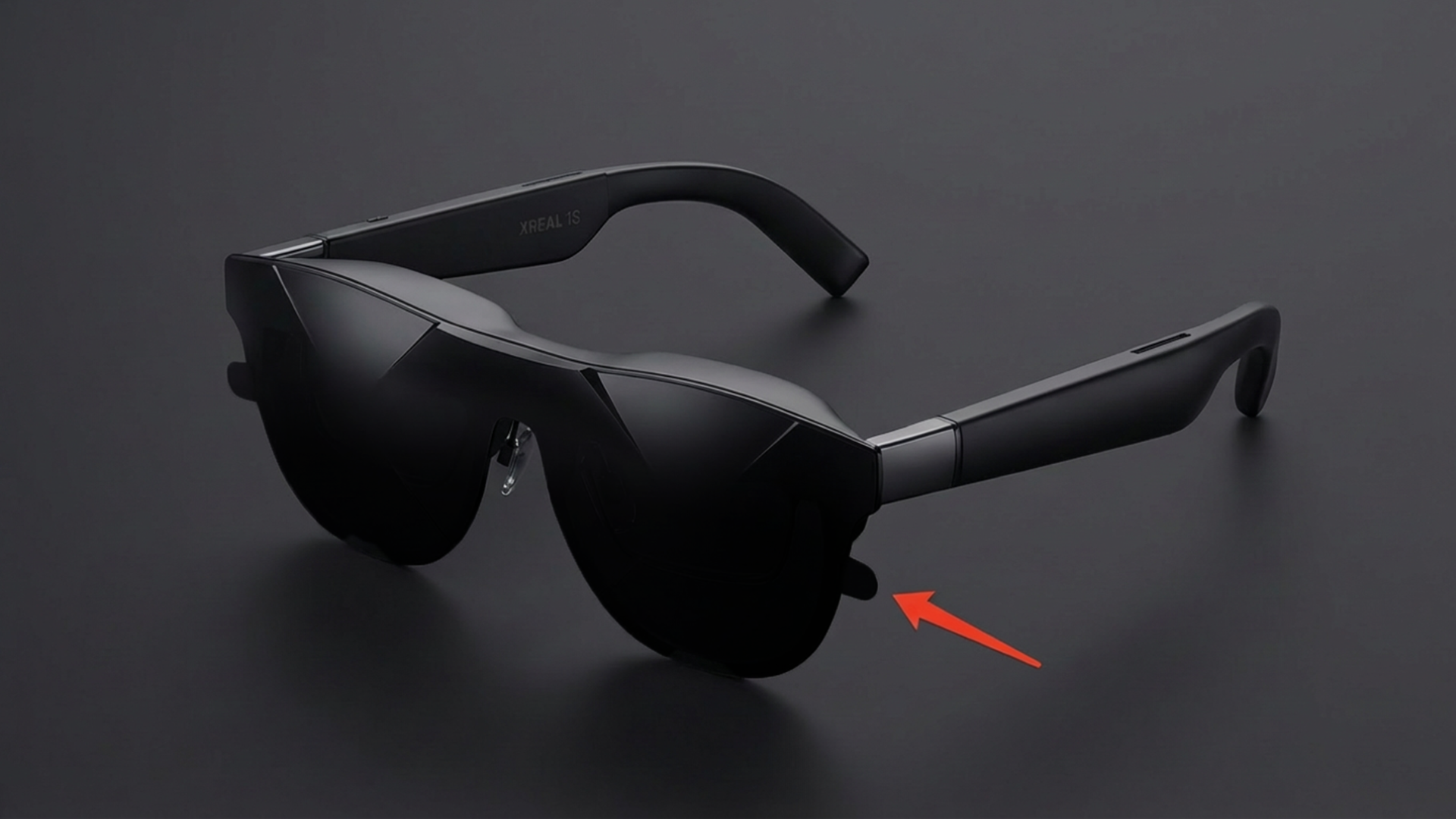
2. Remove the Front Protective Film
Follow the arrow indicator and peel off the front protective film.
3. Take Out the Cable
Remove the cable from the cable storage compartment.
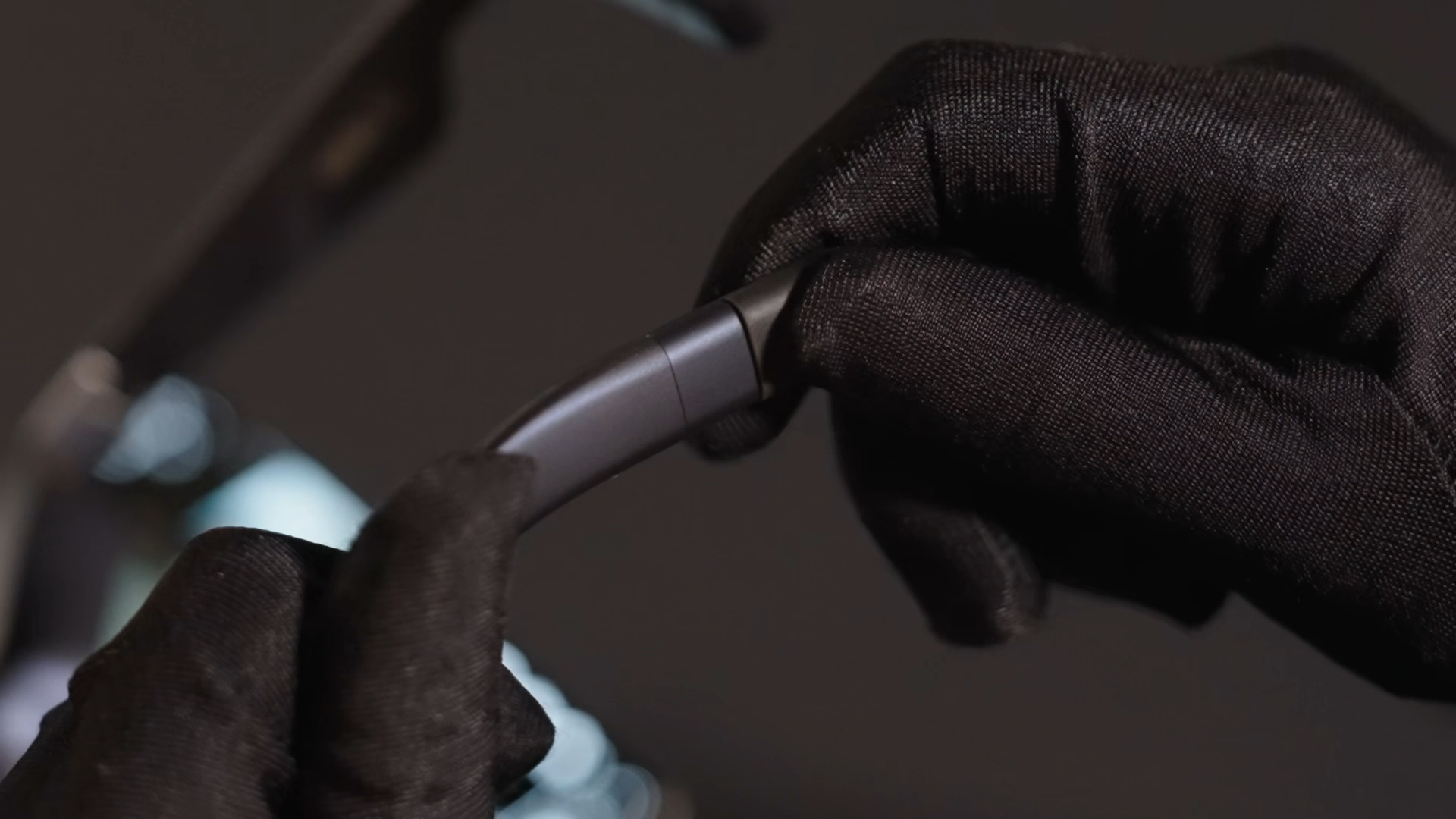
4. Connect the Cable to the Glasses
Plug the angled end of the cable into the glasses port.
5. Connect to an External Device
Connect the other end of the cable (straight connector) to a device that supports DP video output.
Once connected, the immersive spatial screen will appear in front of you.