Connect Devices
The XREAL One series glasses support connection to a wide range of devices, including smartphones, tablets, personal computers, handheld gaming devices, and game consoles such as the Switch/Switch2, PlayStation, and Xbox.
To utilize a spatial large-screen display via XREAL One series glasses, your device interface must support the DP video output protocol and provide 5V/1A power supply.
DisplayPort (DP) is a digital interface standard used for transmitting video and audio data. Devices equipped with DP video output capabilities can transmit audio-visual signals—compliant with this protocol—through their own ports (typically USB-C), thereby enabling external display devices to render images and sound. If you are unsure whether your device supports DP video output, it is recommended that you first consult the device manufacturer's customer support to confirm.
Supported Devices
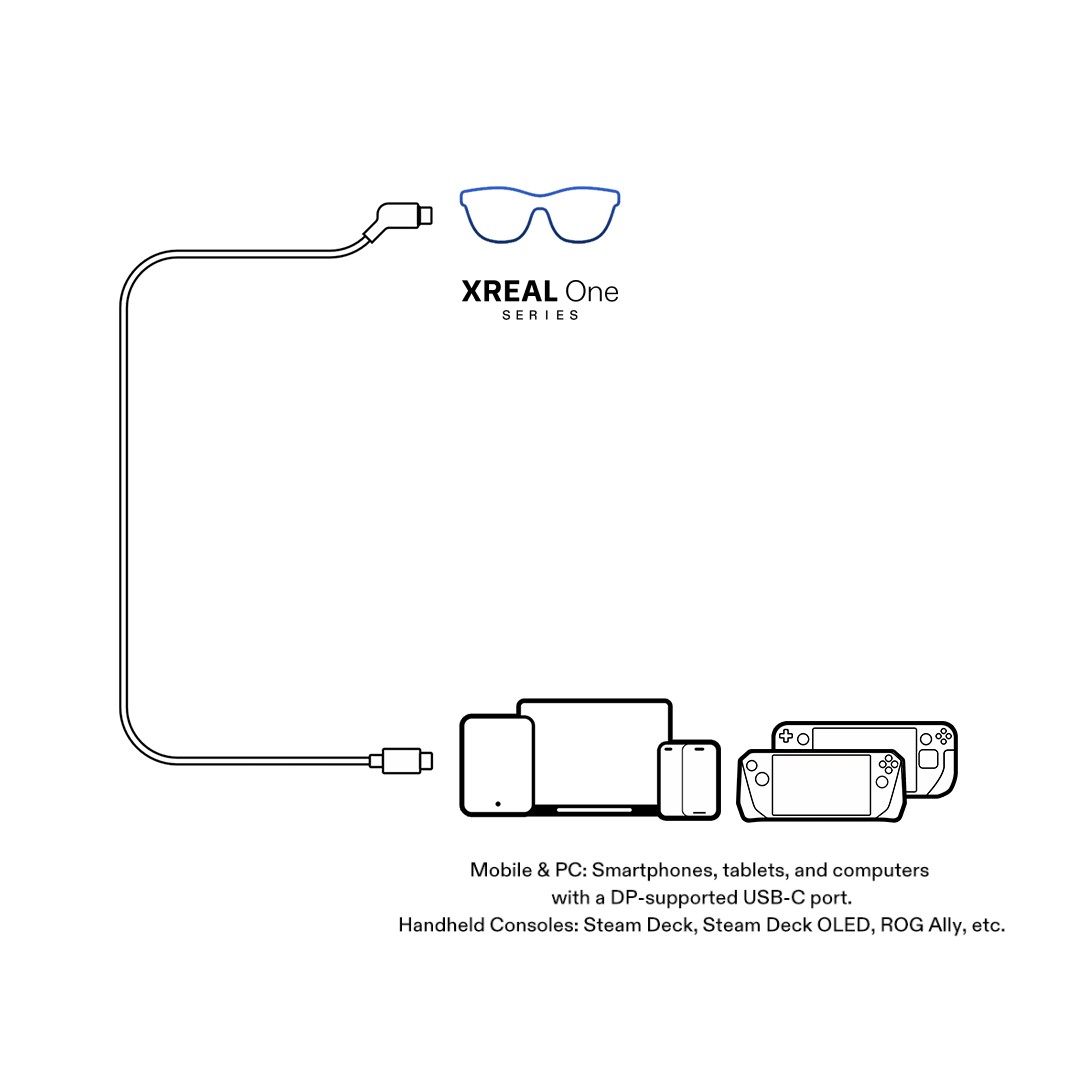
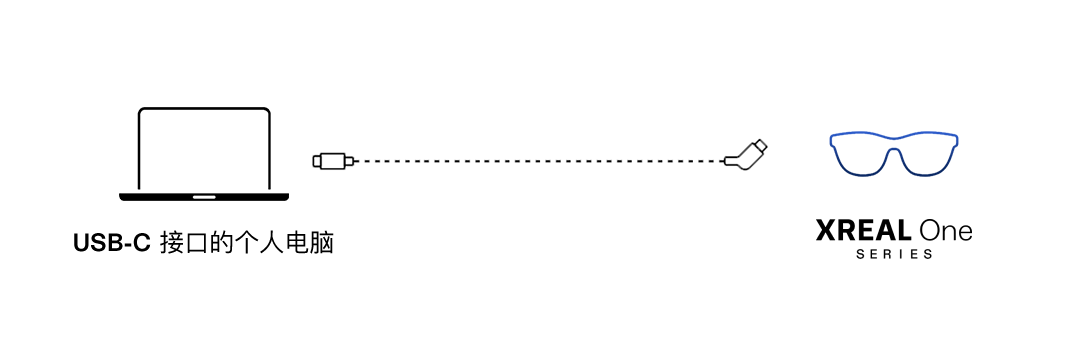
- Devices with a USB-C port that supports DP output can be connected directly to XREAL One Series glasses using the cable included in the package.
- Steam Deck / Steam Deck OLED
- ROG Handheld Consoles (e.g., ROG Ally)
- Mobile Phones (e.g., iPhone 15/16/17, Galaxy S Series)
- Tablets (e.g., iPad Pro [4th Gen])
- Laptops (e.g., Windows laptops with USB-C ports, MacBook Pro)
- Select Desktop Computers (e.g., Mac mini)
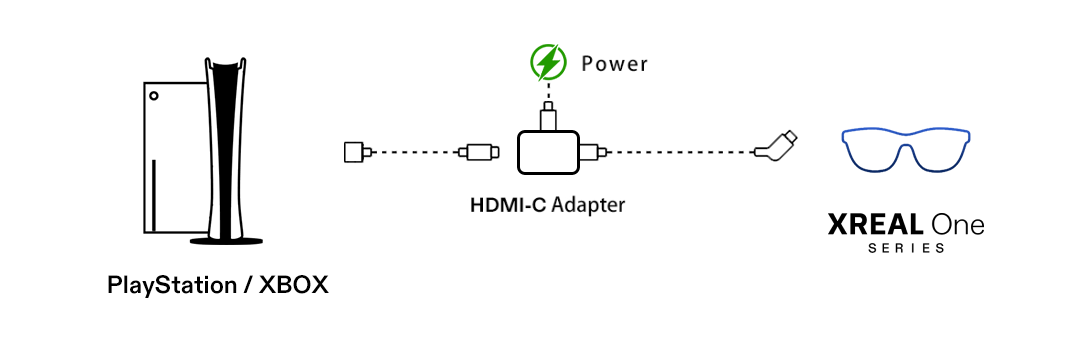
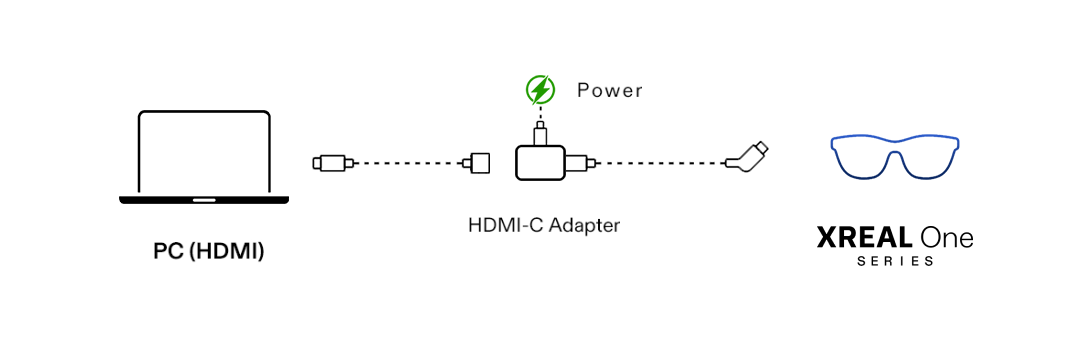
- Devices with an HDMI port can be connected to XREAL One Series glasses via an HDMI-to-USB-C adapter.
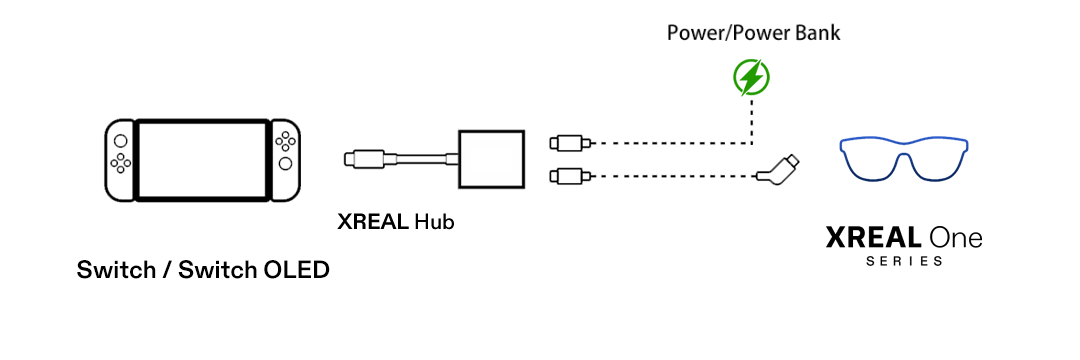
- Switch / Switch 2 / Switch OLED
- PlayStation
- Xbox
Device Feature Compatibility Table
| Feature | iPhone (Non-Lightning) | Android (No Desktop Mode) | Android (Desktop Mode, e.g. DeX) | iPad | Android Tablet | Windows | MacBook | Windows Handheld | SteamDeck | Switch | Xbox | PlayStation |
|---|---|---|---|---|---|---|---|---|---|---|---|---|
| Anchor & Follow Mode | ✅ | ✅ | ✅ | ✅ | ✅ | ✅ | ✅ | ✅ | ✅ | ✅ | ✅ | ✅ |
| UltraWide Mode | ❌ | ❌ | ✅ | ✅ | ✅ | ✅ | ✅ | ✅ | ✅ | ❌ | ❌ | ❌ |
| Electrochromic Dimming | ✅ | ✅ | ✅ | ✅ | ✅ | ✅ | ✅ | ✅ | ✅ | ✅ | ✅ | ✅ |
| Screen Size & Distance Adjustment | ✅ | ✅ | ✅ | ✅ | ✅ | ✅ | ✅ | ✅ | ✅ | ✅ | ✅ | ✅ |
| 3D Mode | ✅ | ✅ | ✅ | ✅ | ✅ | ✅ | ✅ | ✅ | ✅ | ✅ | ✅ | ✅ |
| Stabilizer | ✅ | ✅ | ✅ | ✅ | ✅ | ✅ | ✅ | ✅ | ✅ | ✅ | ✅ | ✅ |
| Side View | ✅ | ✅ | ✅ | ✅ | ✅ | ✅ | ✅ | ✅ | ✅ | ✅ | ✅ | ✅ |
| Color Temperature Adjustment | ✅ | ✅ | ✅ | ✅ | ✅ | ✅ | ✅ | ✅ | ✅ | ✅ | ✅ | ✅ |
Feature availability may vary depending on the device model and system version.
Devices Supporting Direct Connection:
USB-C devices that support DisplayPort (DP) protocol can connect directly.
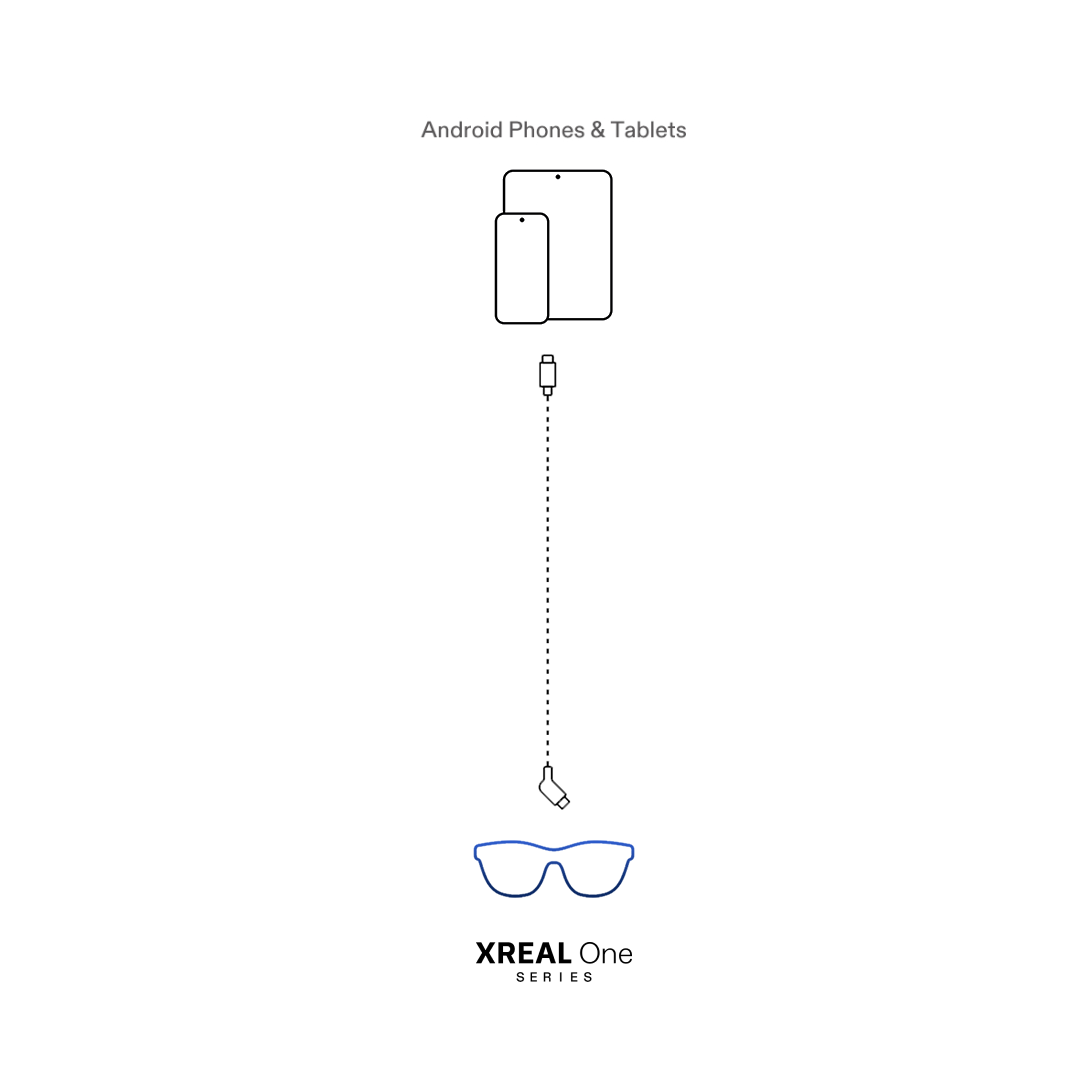
Android Phones / Tablets
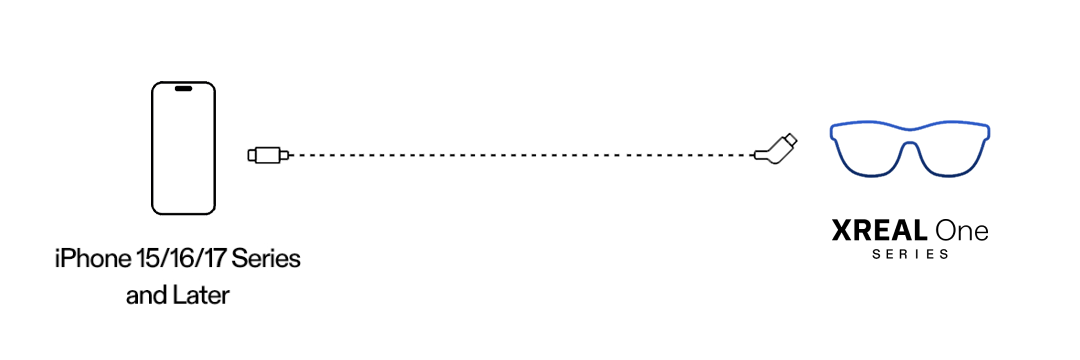
iPhone 15 / 16 / 17 Series
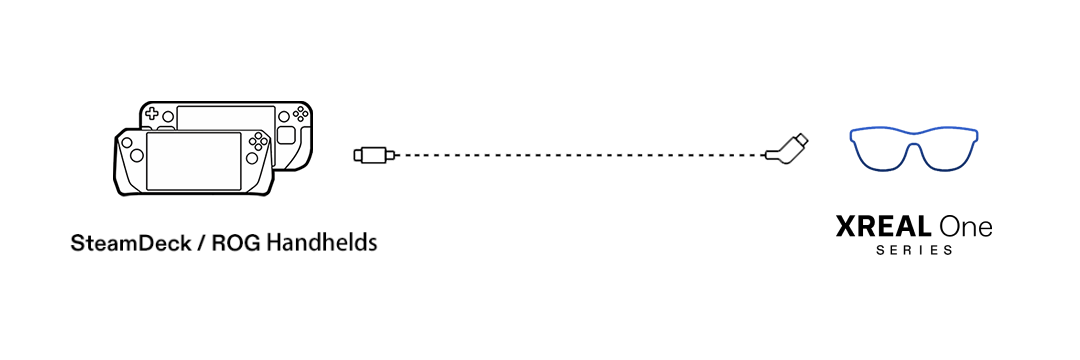
Steam Deck / ROG and Other Windows Handhelds
USB-C Interface Computers
Devices that Require Adapters for Connection:
Switch / Switch2 / Switch OLED
Requires the XREAL Hub for connection.
PlayStation / Xbox
Requires an HDMI-C adapter for connection.
Computer with HDMI Port
Requires an HDMI-C adapter for connection.
Notes
XREAL One Series glasses do not have a built-in battery. The connected device supplies power to the glasses. Disconnecting the cable will stop power supply and shut down the glasses.