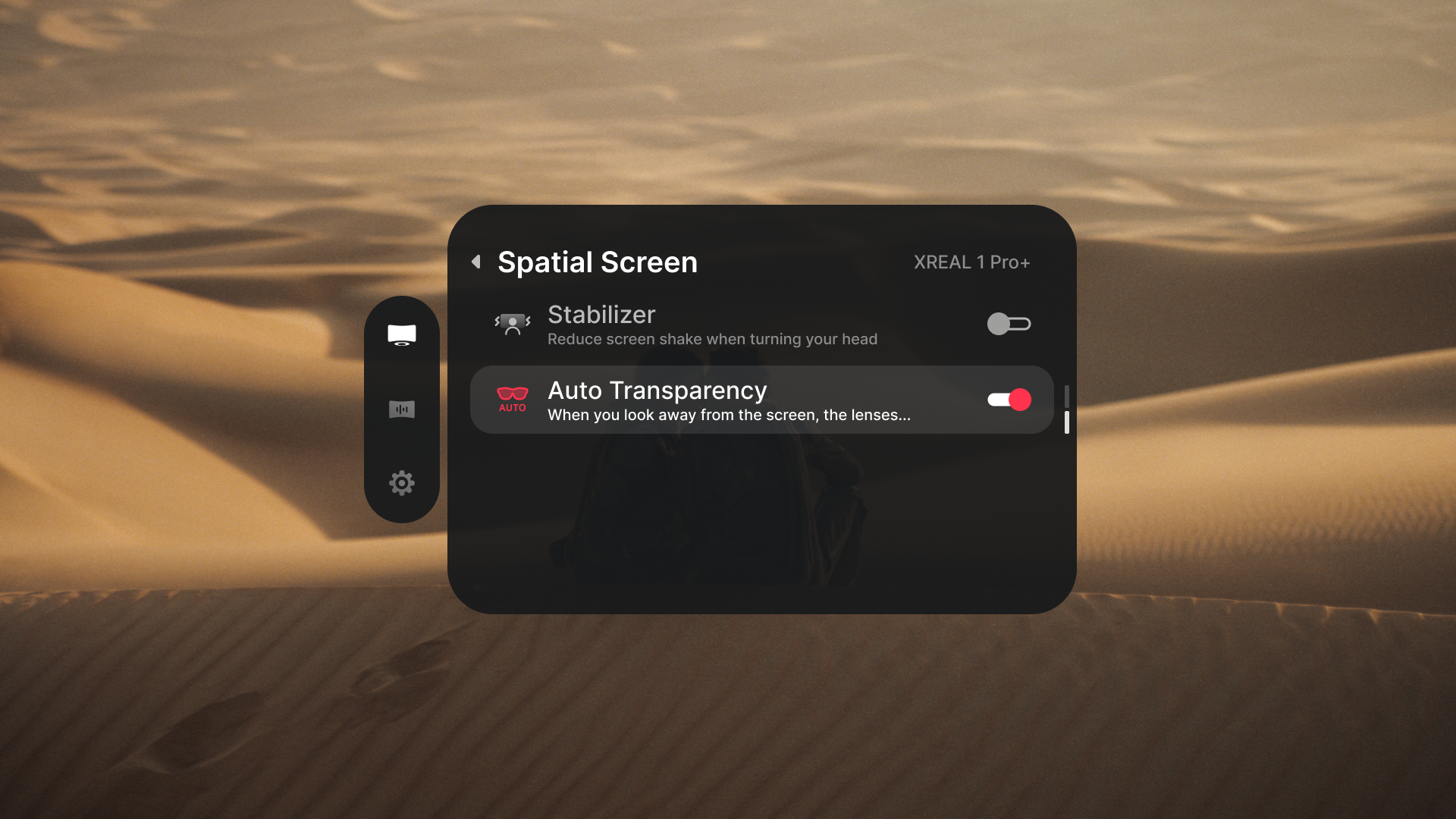
Stabilizer and Transparency
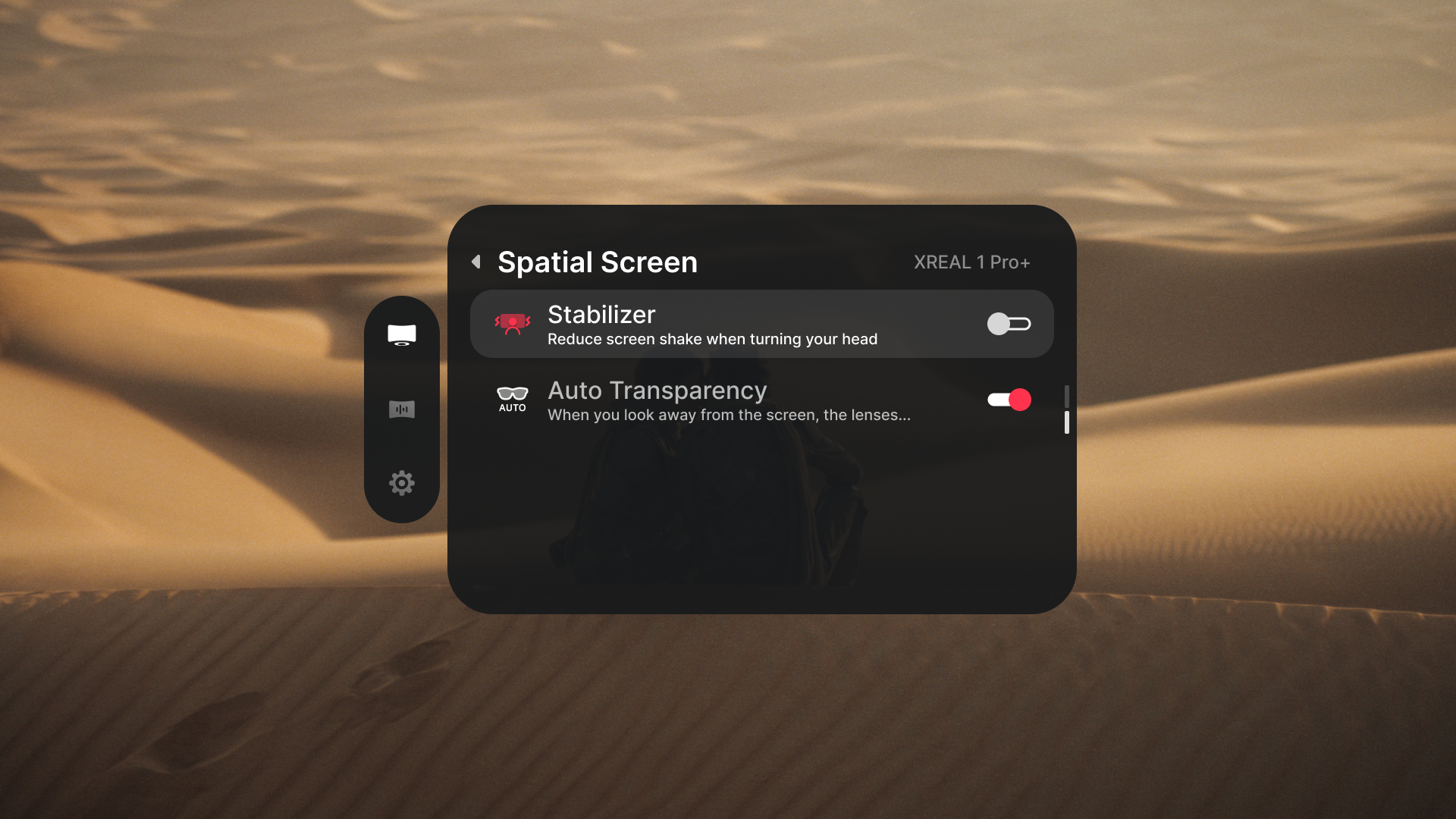
Reduce movement in Follow mode
「Stabilizer」 reduces screen shake when you turn your head. It is enabled by default in 「Follow」 mode.
- Open 「Spatial Screen」 > 「Stabilizer」.
- Turn it on for a buffered, steadier 「Follow」 view.
- Turn it off when you want the picture to respond directly to head movement.
If the screen drifts instead of merely shaking, recenter it first. If the issue continues, run 「Sensor Calibration」.
Use Auto Transparency
With 「Auto Transparency」, the lenses darken while you look at an anchored screen and become more transparent when you look away. Open 「Spatial Screen」 > 「Auto Transparency」 to change the setting.