Adjust Display and Sound
Open the OSD and select 「Display and Sound」.
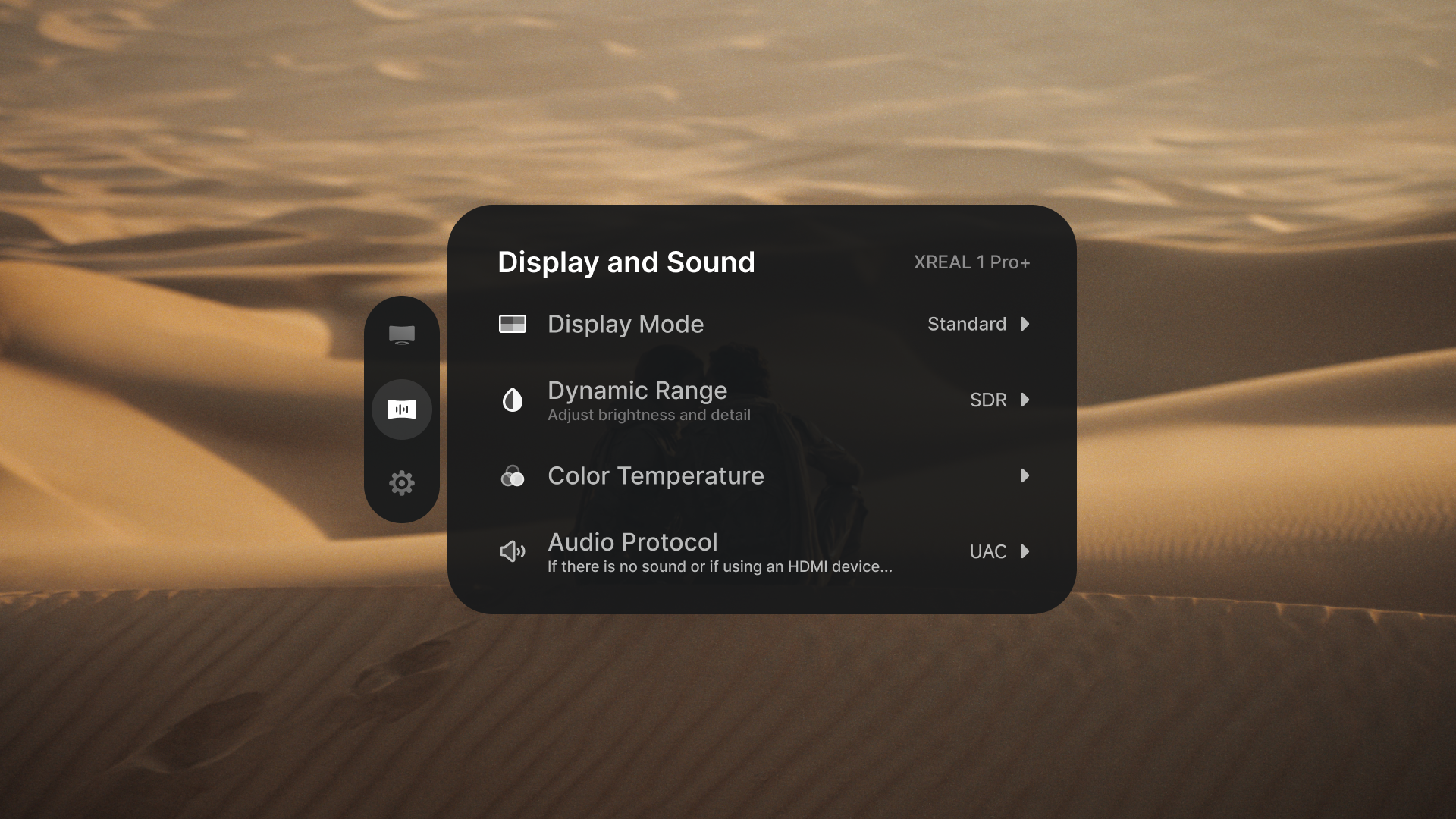
Choose a Display Mode
- 「Standard」: balanced picture for general use.
- 「Cinema」: a display preset for watching movies.
- 「Reading」: enlarges the view to make text easier to read.
The 「Quick」 button uses 「Display Mode」 as its default click action.
Choose SDR or AI HDR
Open 「Dynamic Range」 and select:
- 「SDR」 for standard dynamic range. Maximum perceived brightness is 1000 nits.
- 「AI HDR」 to expand brightness and detail from compatible input. In 「Follow」 or 「Anchor」 (0DoF/3DoF), maximum perceived brightness is 1200 nits.
「AI HDR」 supports 60 Hz and 90 Hz input. Switching to it can rebuild the video link, briefly blank the display, and close the OSD. 「AI HDR」 conflicts with 「Reading」, 「UltraWide Mode」, 「3D Mode」, and 「Side View」; the last selected mode takes priority.
Adjust brightness and lens transparency
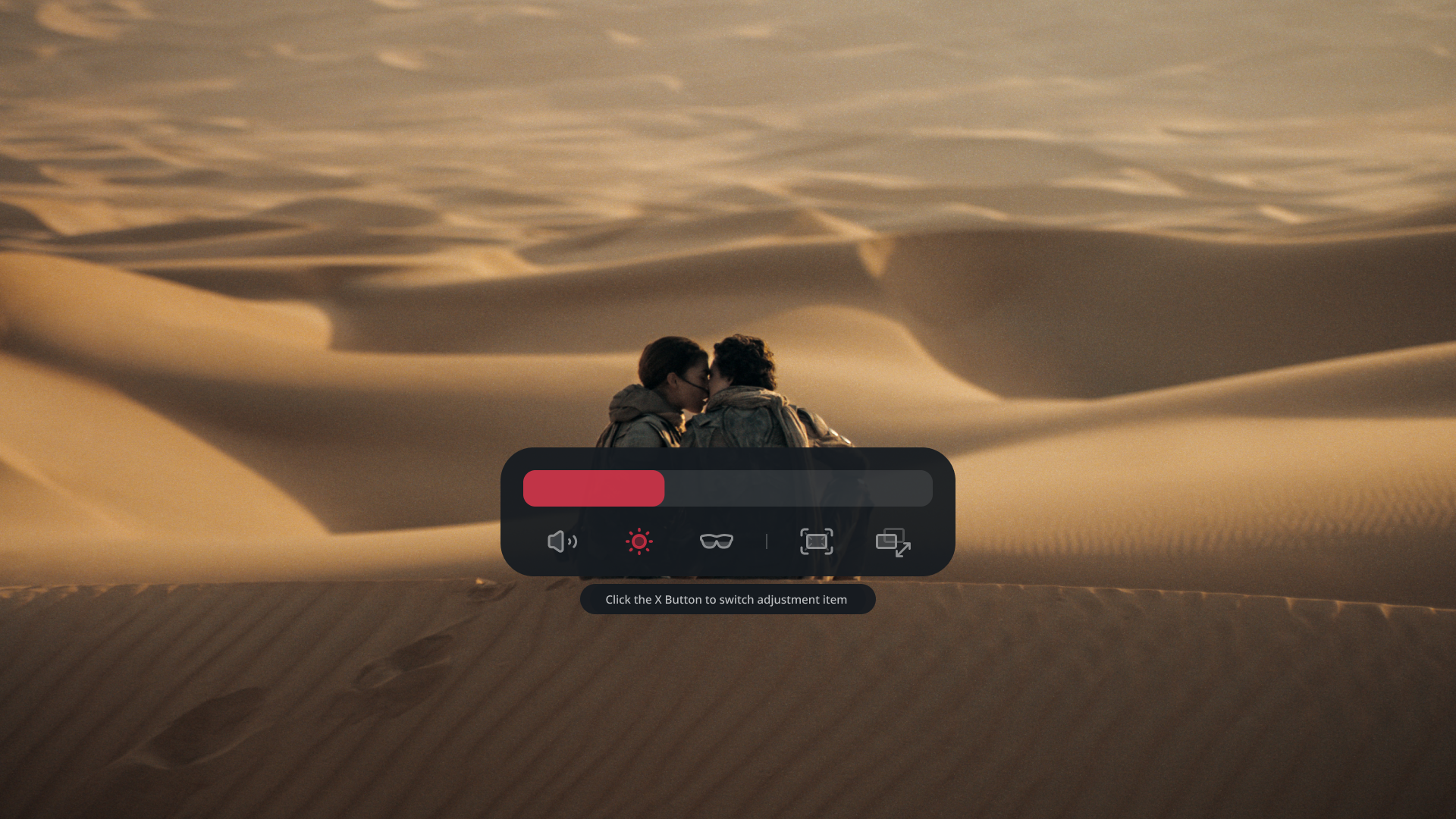
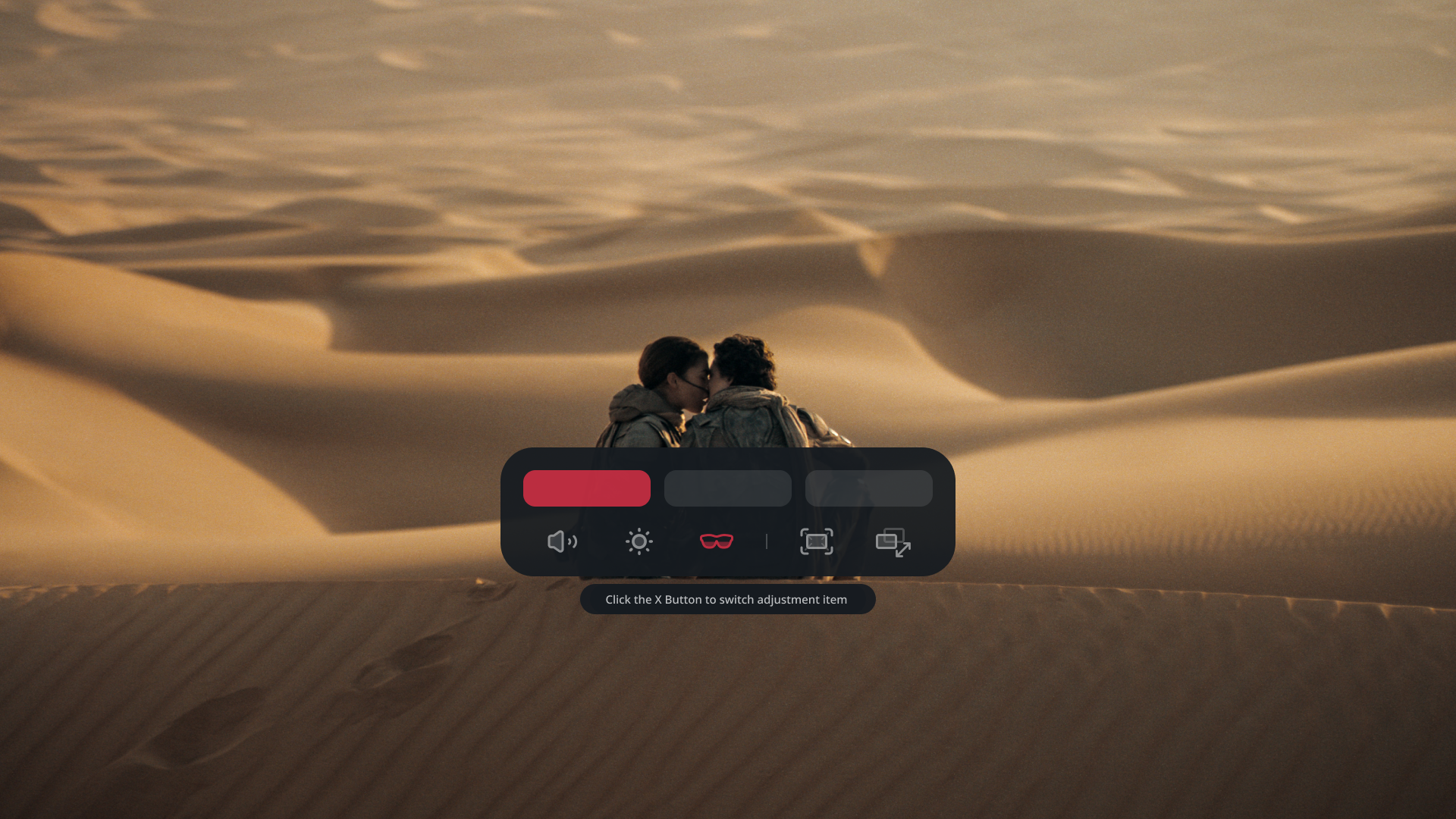
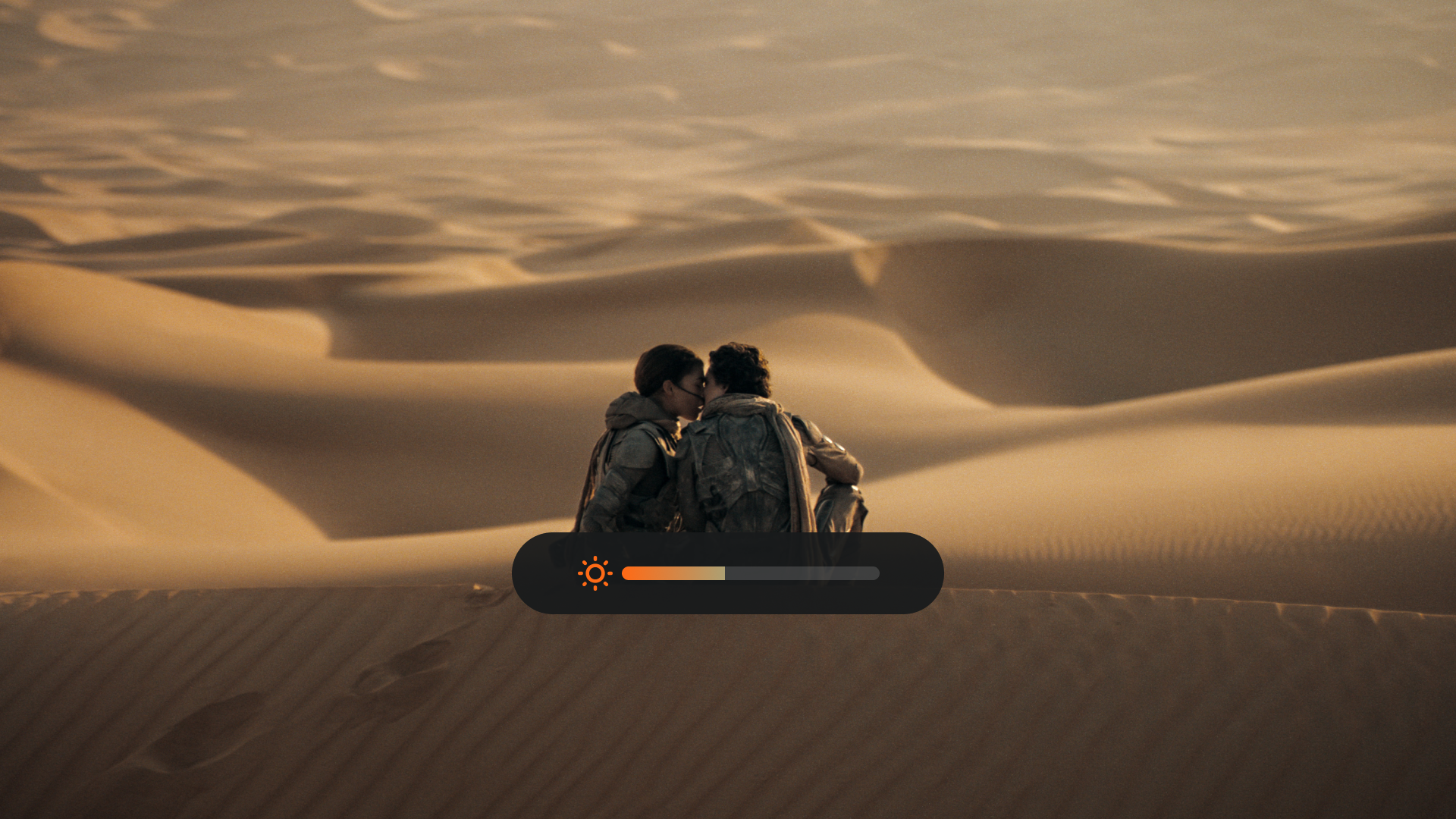
Click 「+」 or 「−」 to open the 「Quick Panel」. Click 「X」 to select 「Brightness」 or 「Electrochromic Dimming」, then use 「+」 / 「−」 to adjust it. The lenses support three transparency levels.
Adjust color temperature
「Color Temperature」 changes the overall tone of the screen. Adjust it toward a warmer (redder) or cooler (bluer) tone to suit the ambient lighting and your viewing preference.
Open the adjustment panel
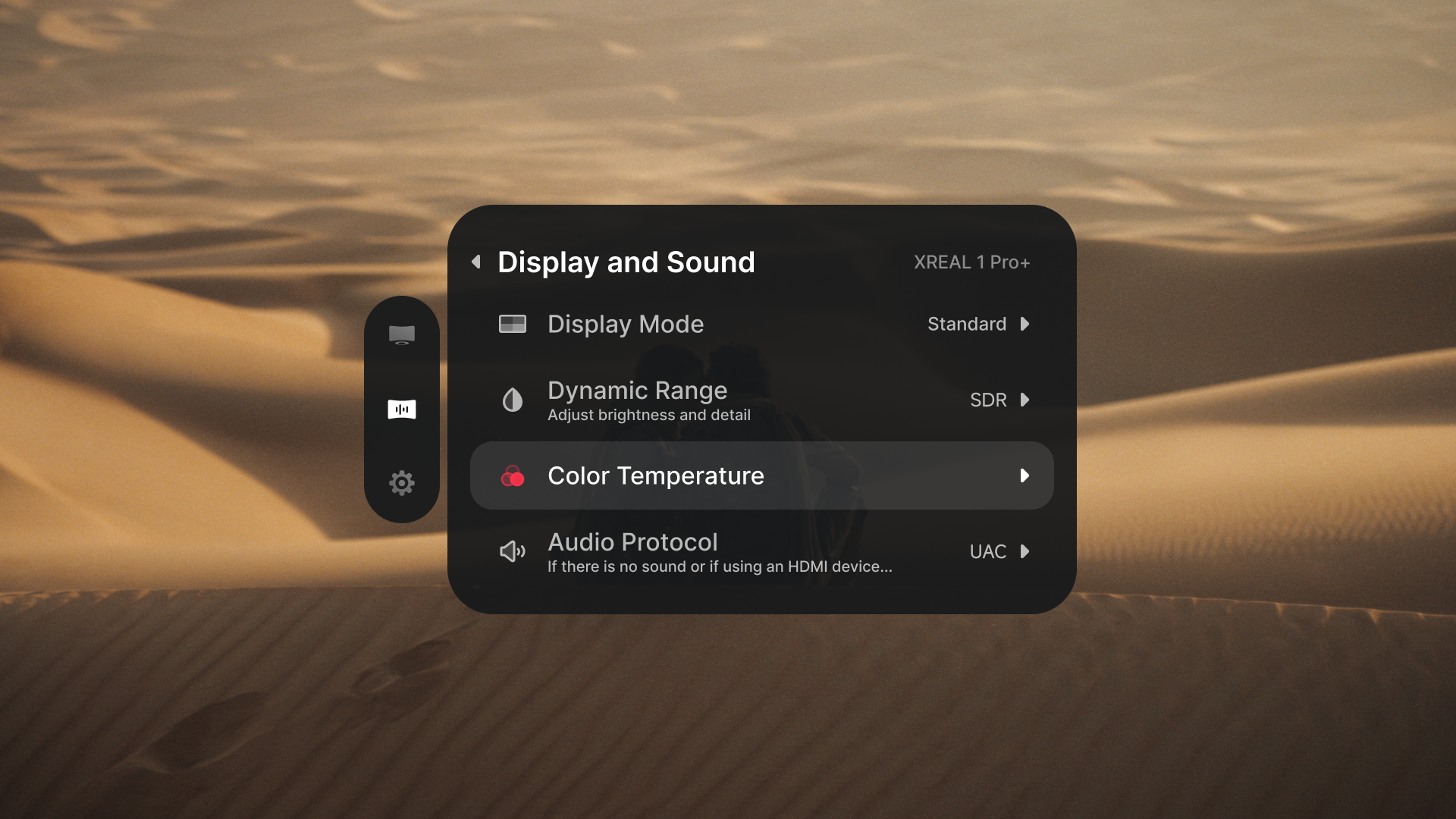
- Double-click 「X」 to open the OSD menu.
- In 「Display and Sound」, select 「Color Temperature」.
- Click 「X」 to open the adjustment panel.
Adjust and save
- Use 「+」 / 「−」 to move along the adjustment bar: left for a warmer tone, right for a cooler tone.
- Check the image as you adjust it to find the tone you prefer.
- Double-click 「X」 to save the current value and return to the previous menu.
Adjust sound
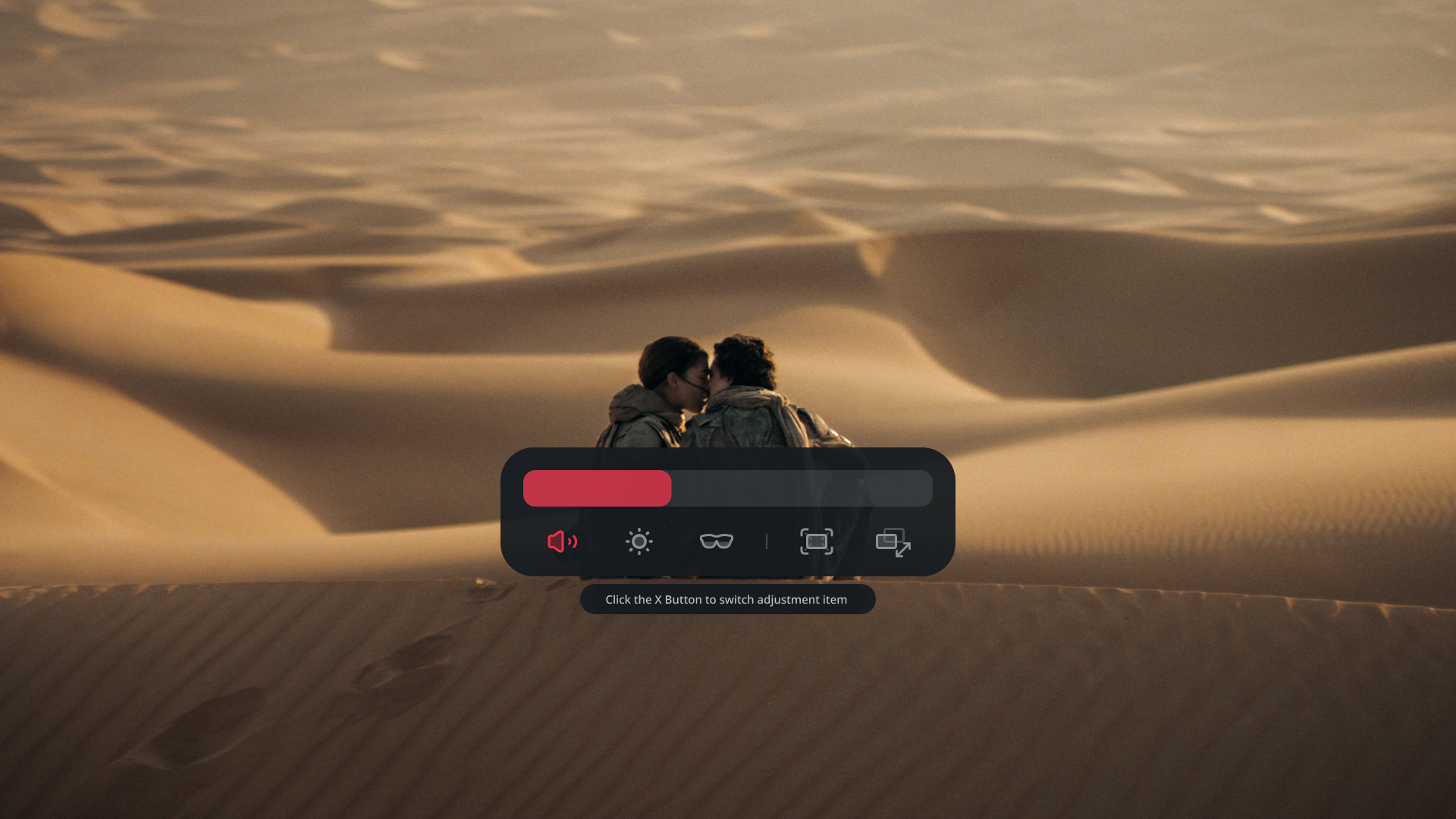
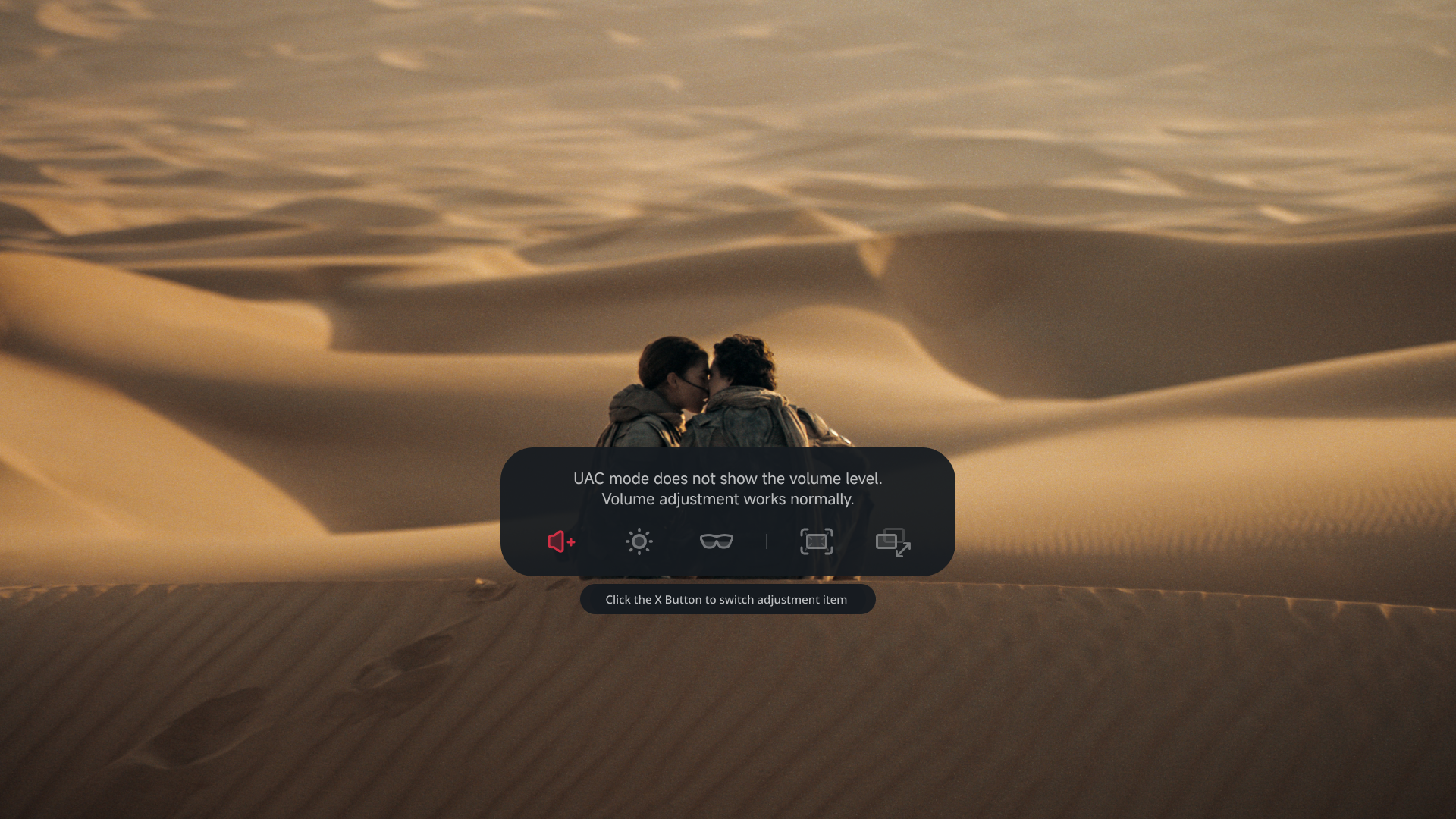
Click 「+」 or 「−」 to open the 「Quick Panel」, click 「X」 to select 「Volume」, then use 「+」 / 「−」 to adjust it. If a connected device has no sound, open 「Audio Protocol」 and switch between 「UAC」 and 「DP」. When using 「UAC」, the glasses can change volume even though the OSD does not show a numbered volume level.
See Troubleshoot audio if sound is still unavailable.